Apartment Floor Plan Templates
Browse one-bedroom and two-bedroom apartment floor plan templates. Customize rooms and furniture online.
Frequently asked questions
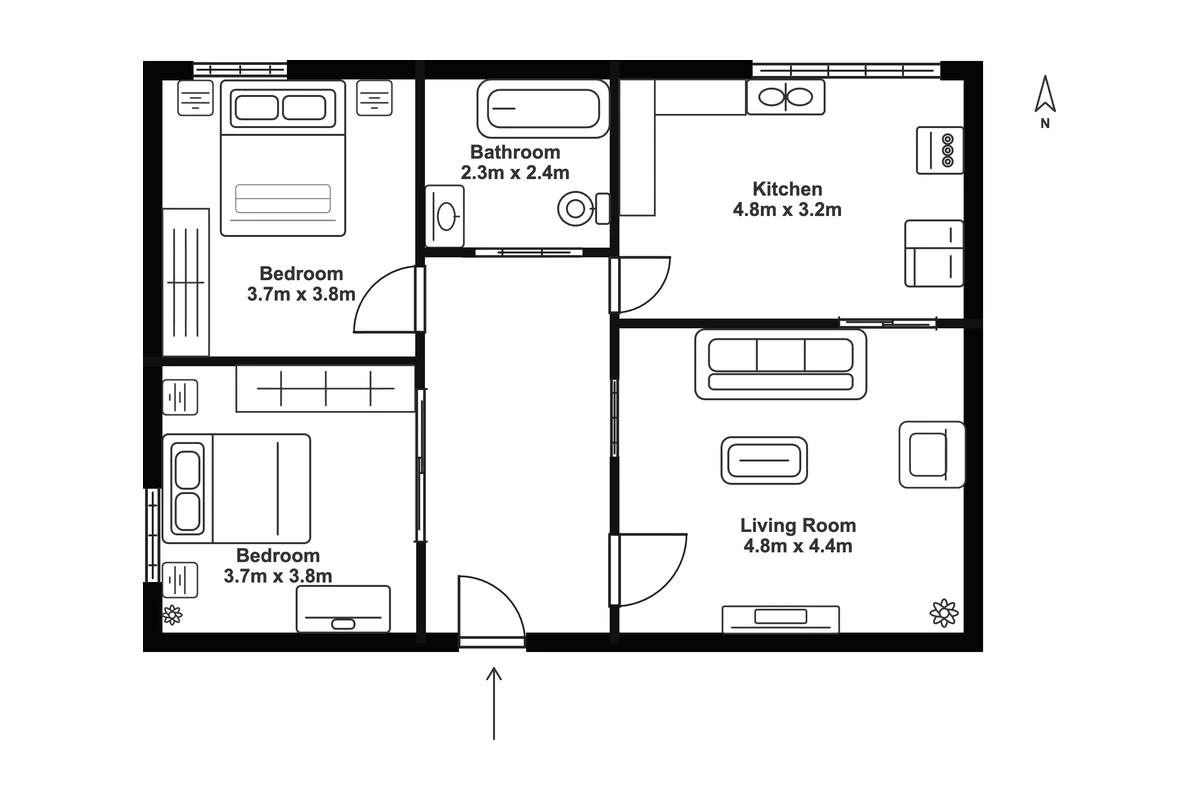
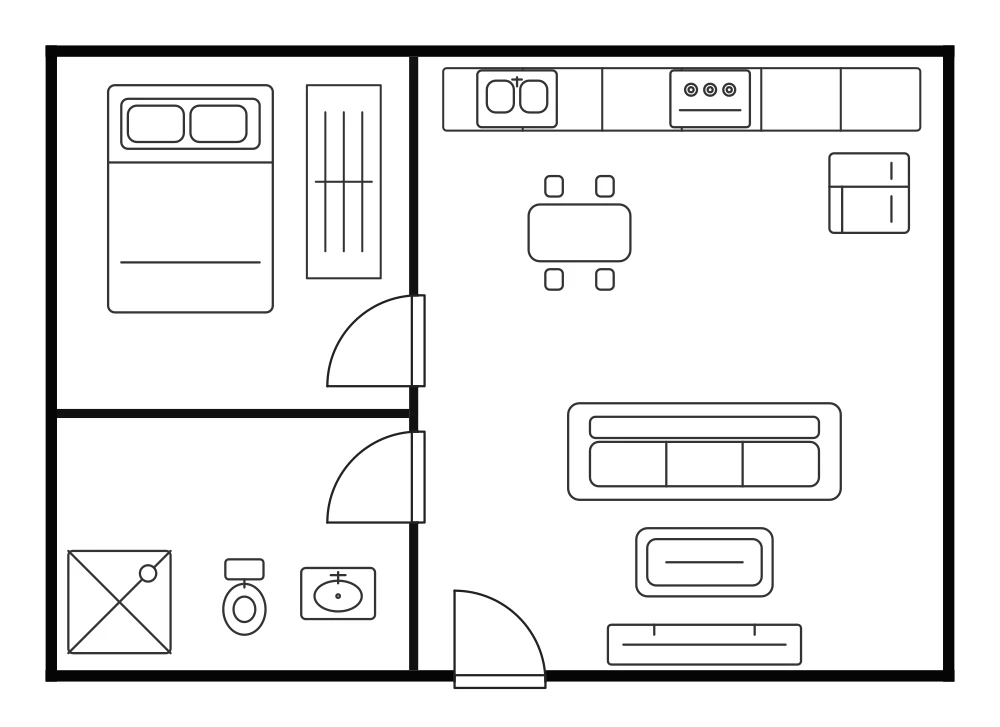
Start with the number of bedrooms you need, then check the kitchen, bathroom, and living space. The one-bedroom apartment floor plan is approximately 70 m², and the two-bedroom plan is approximately 82 m². Adjust the dimensions and furniture to match your space.
Open a template detail page and select Edit this template to load an editable copy in the Creator. Move, resize, rotate, or remove elements to make the layout your own.
Sign in, then use Save in the Creator to save your editable project to your account in the cloud. Reopen it from Designs when you return. Use Export to download your customized plan.
The one-bedroom apartment is approximately 70 m², and the two-bedroom apartment is approximately 82 m². These are starting layouts; adapt the dimensions to your measured space.
Edit this template opens individual walls, doors, and furniture in the Floor Plan Creator. Edit image opens the preview in the image editor, where you describe changes and generate a revised image.
The Creator supports PNG, SVG, PDF, and DXF. Use PNG or PDF to share the layout, SVG for a vector image, or DXF to continue working with 2D outlines and text in CAD software.