Start on a blank canvas, import a DXF/DWG, or pick a template below.
2D DXF and DWG drawings. Text fonts and CAD styles may differ; unsupported elements may be skipped.
Blank canvas or import
Right Floor Plan Designer Design Layouts from a Blank Canvas
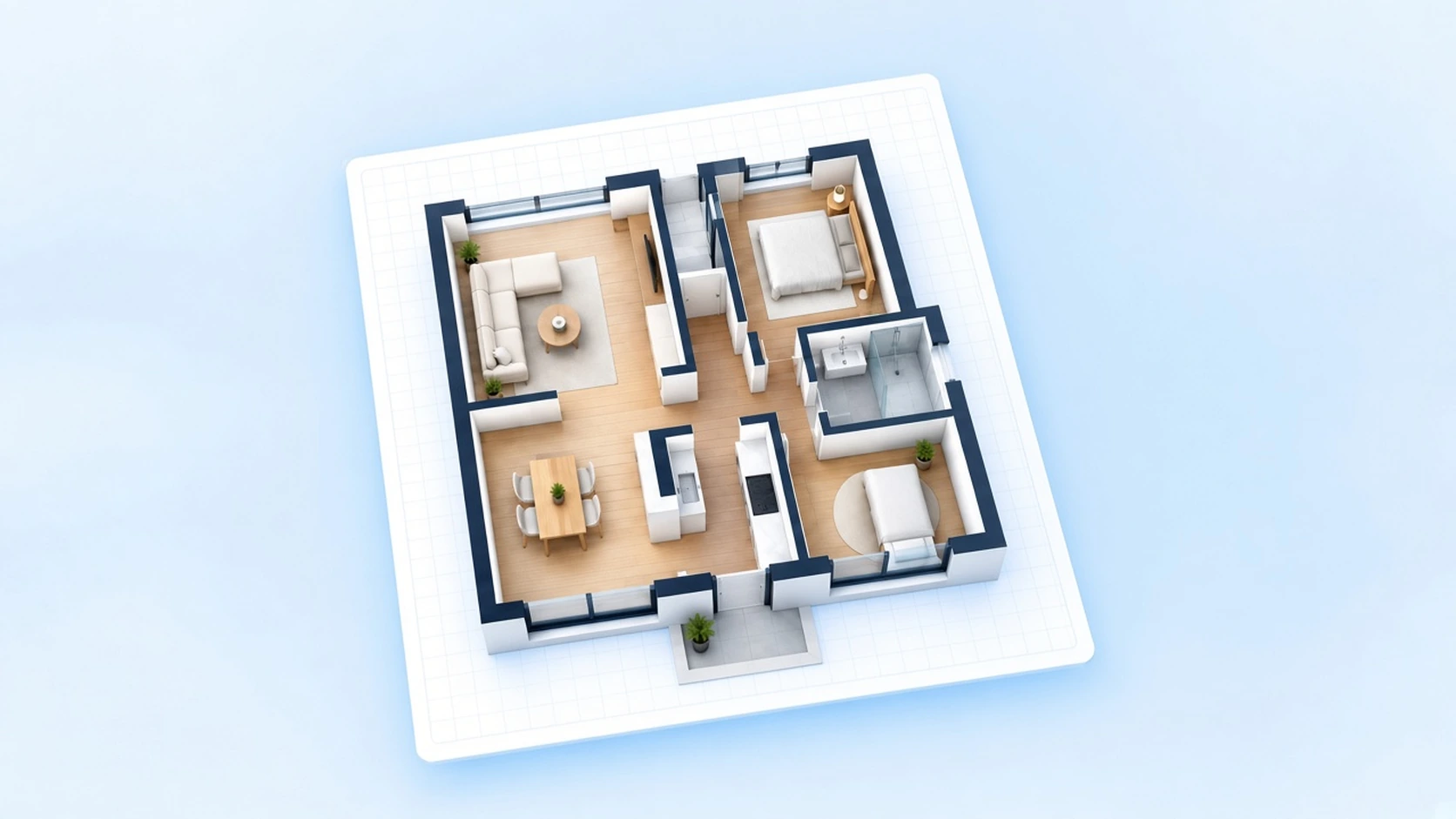
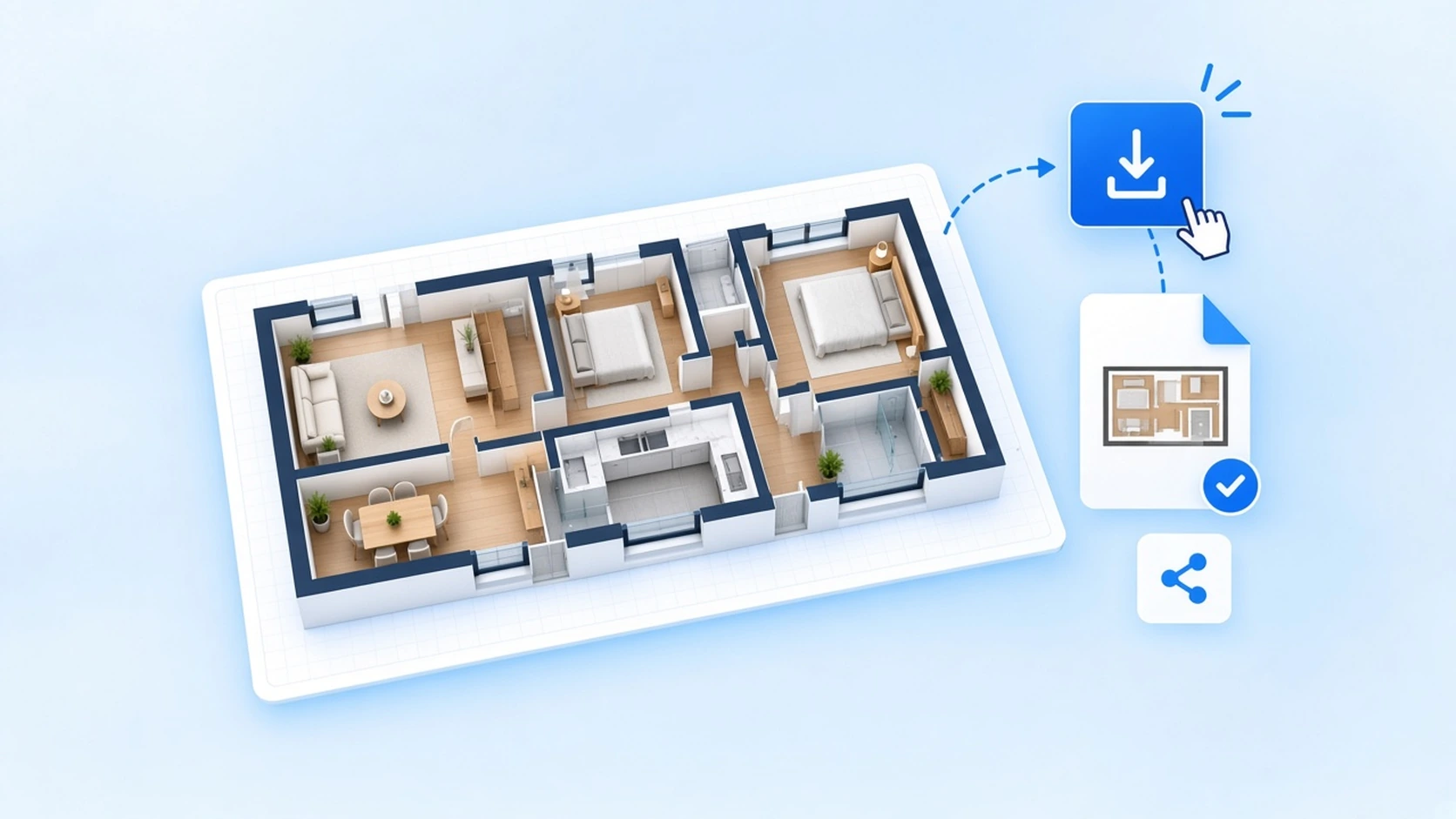
Prefer building walls yourself—or continuing from a file you already have? The right floor plan designer puts a blank canvas, import, and room elements in one browser workspace.
Open Floor Plan Designer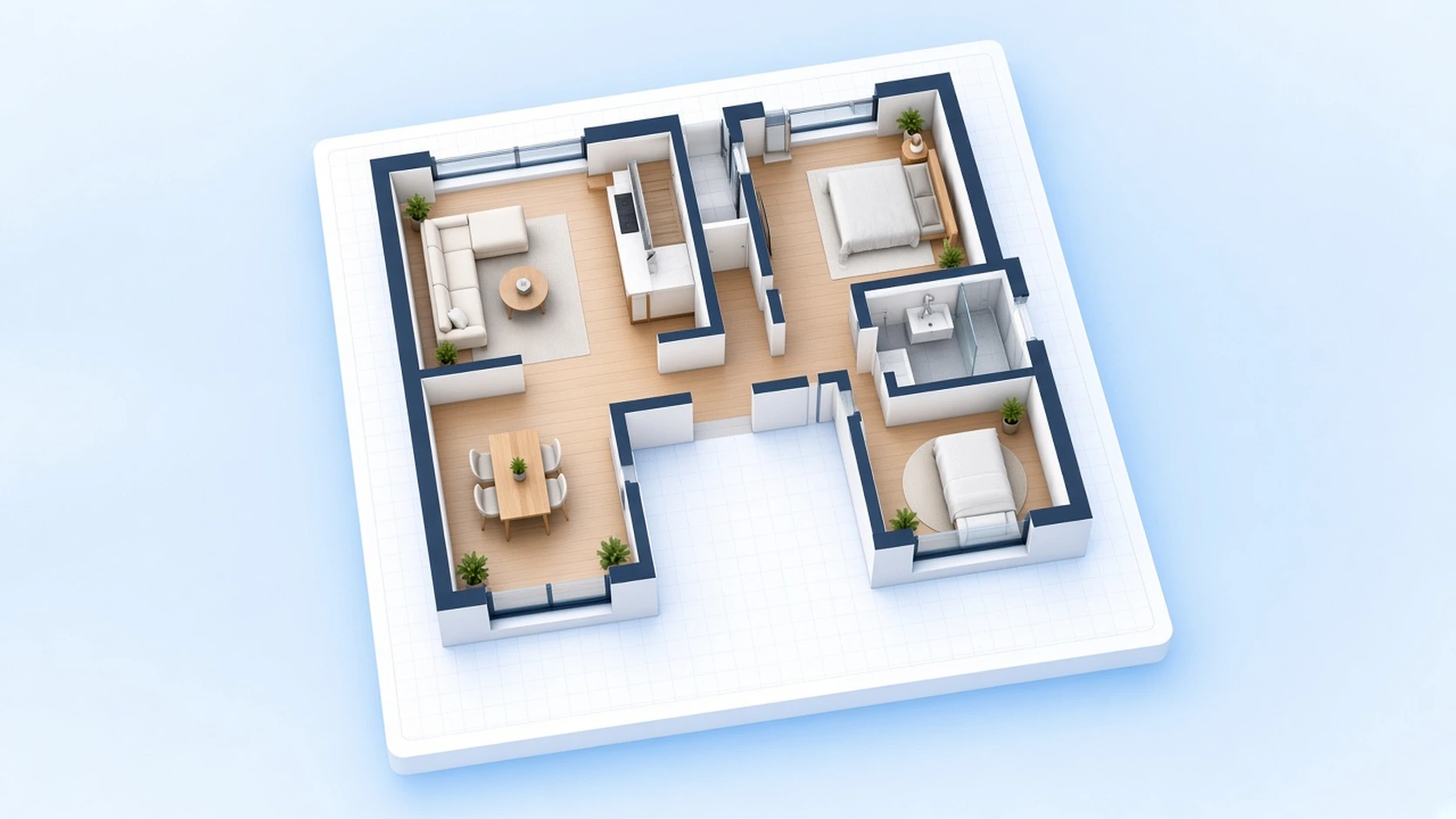
Design a Floor Plan from Blank Canvas or Import
Skip the template-first path when your space does not match a preset. Open empty, import a drawing, then lay out walls and furniture until the plan is clear enough to export.
Start Blank or Import
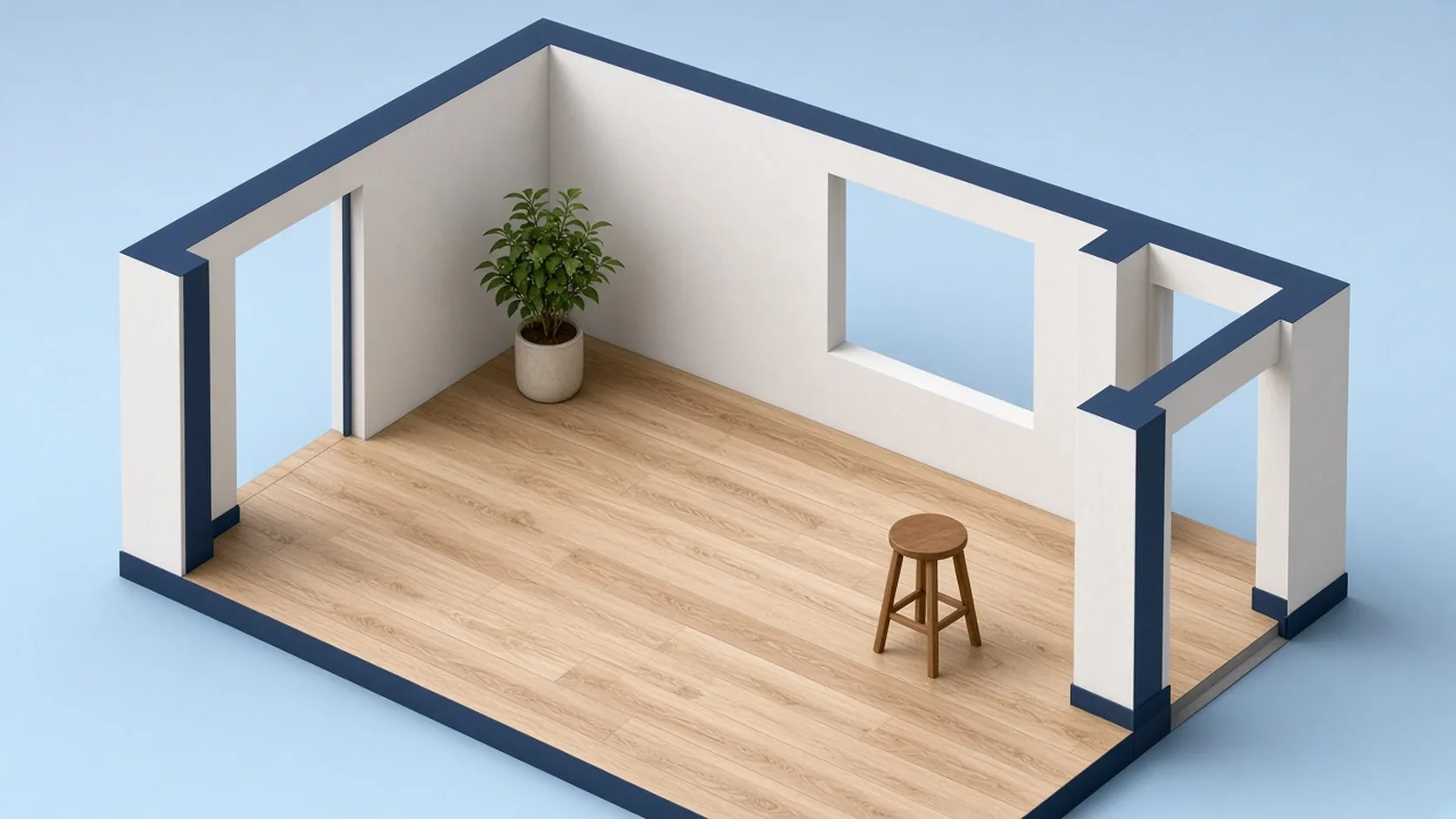
Open the floor plan designer on a blank canvas when you need full control of every wall length, or import a supported DXF/DWG to keep editing an outline you already have. Templates stay in the empty state if you want a head start later. Prefer a template-first walkthrough for everyday rooms? Open the Floor Plan Creator.
Add Walls and Furniture
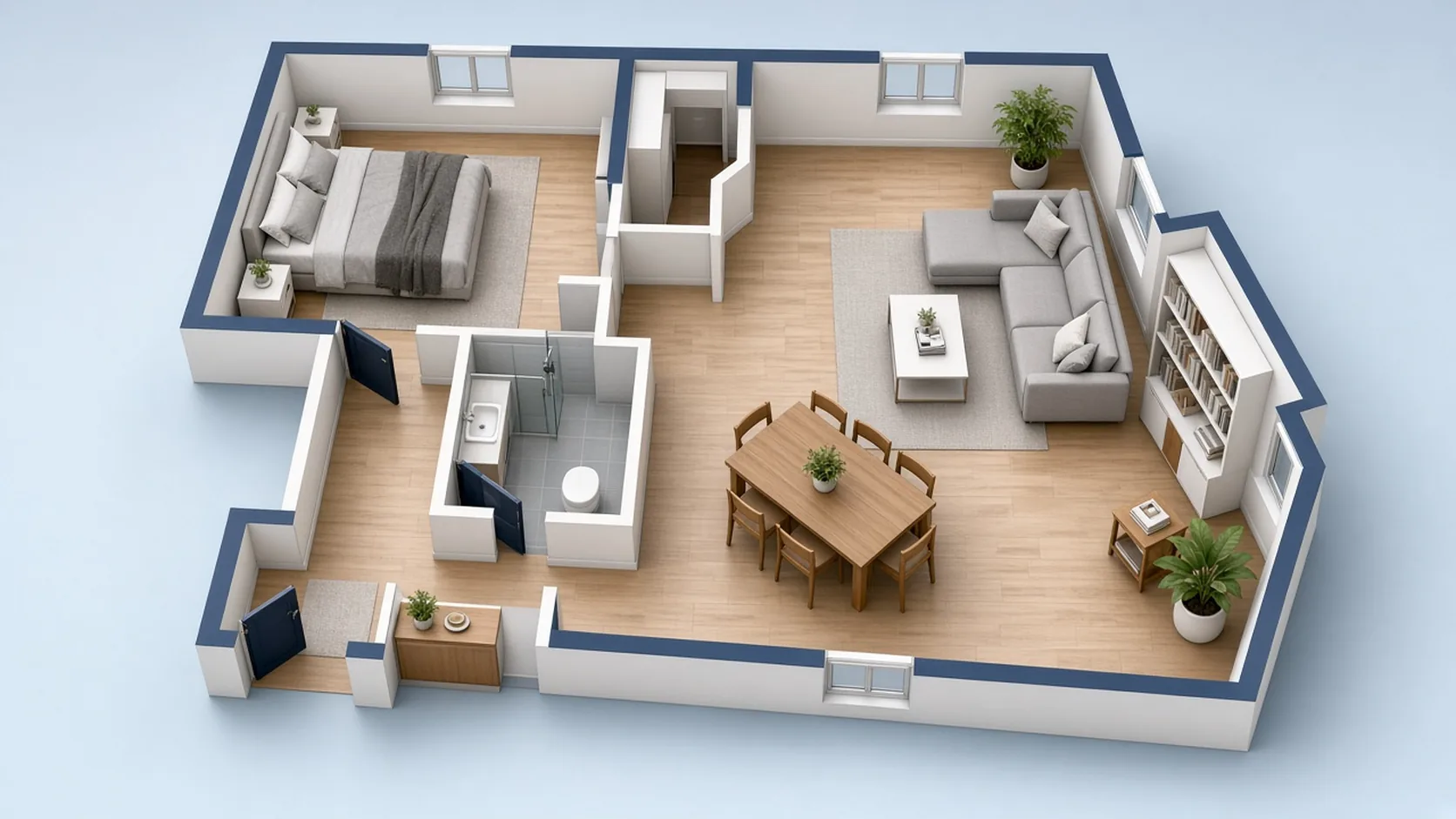
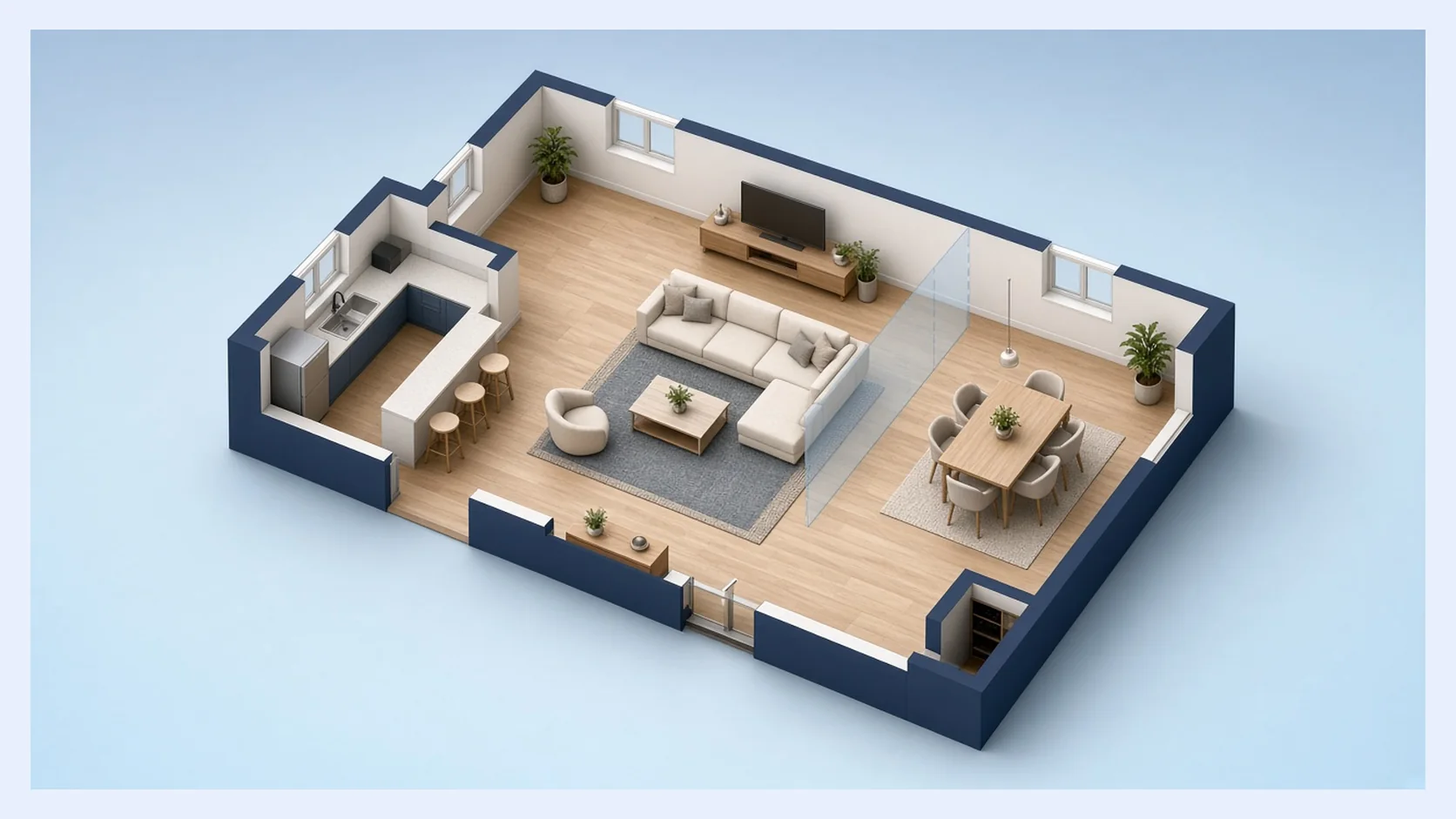
From the floor plan designer library, pull walls, doors, windows, furniture, and labels onto the canvas. Drag, resize, and rotate each piece until rooms and circulation match the real footprint. Adjust openings early, then furnish once the outline feels right—so you spend less time undoing a crowded first pass. Labels help keep room names readable while you iterate.
Clean Up and Export
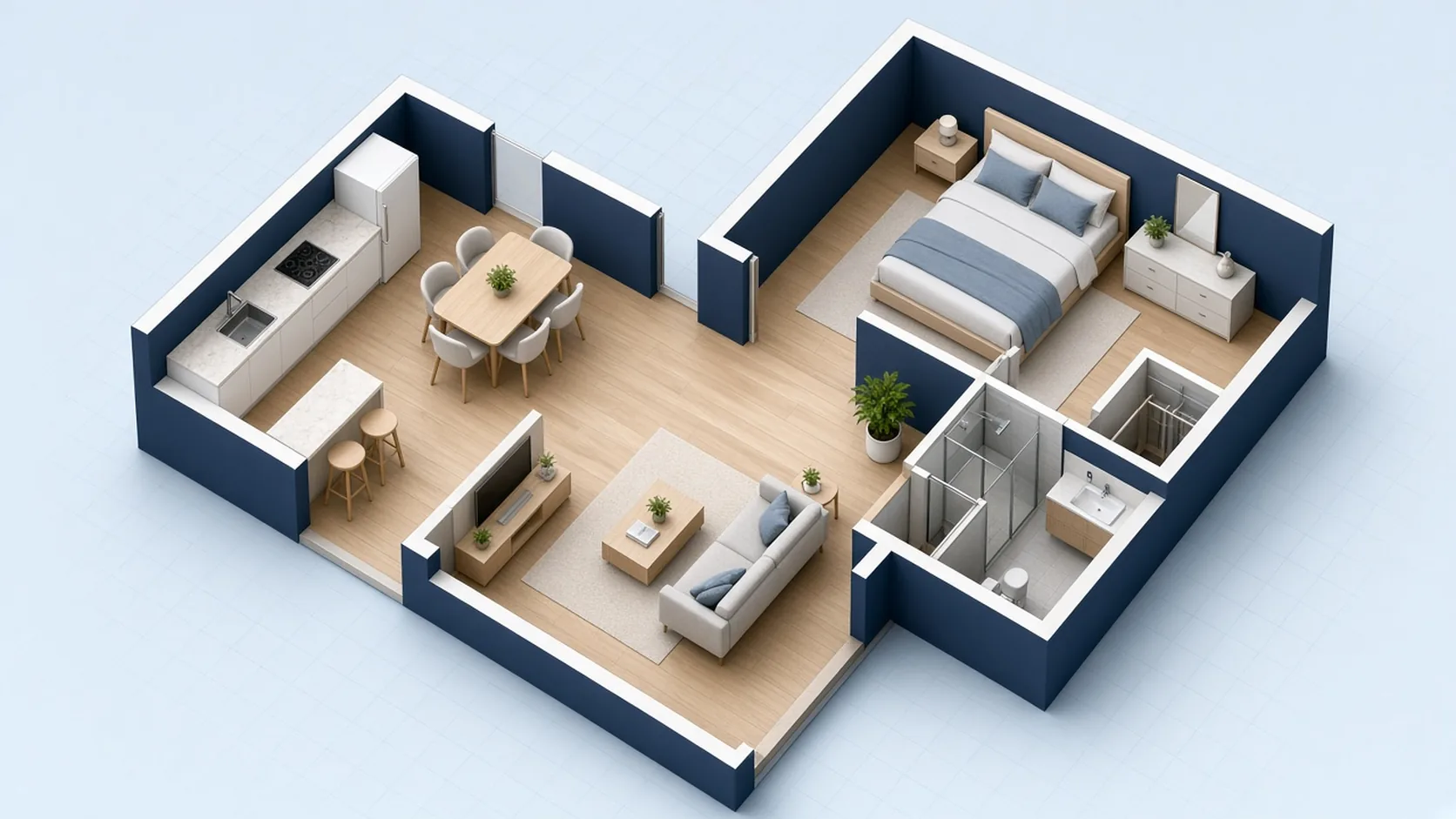
Turn on Grid and Snap so walls and furniture line up cleanly in the floor plan designer. Save the project, download PNG to share a readable view, or export DXF when outlines need to continue in CAD. Reopen the same project later and keep refining without redrawing from scratch—that loop is what makes multi-round reviews practical.
What Makes This Floor Plan Designer Different
This floor plan designer is for people who want to draw the plan themselves or keep editing an imported file—as a floor plan drawing tool, not a locked preset.
Full Control from an Empty Canvas
No preset room set? Begin empty, set wall lengths yourself, and grow the layout room by room. The floor plan designer keeps every wall and opening editable on the canvas, so unusual footprints stay under your control instead of forcing a template compromise. Measure once, draw the real outline, and keep iterating until the rooms read correctly. For a broader set of planning entry points across the product, start from Floor Planner.
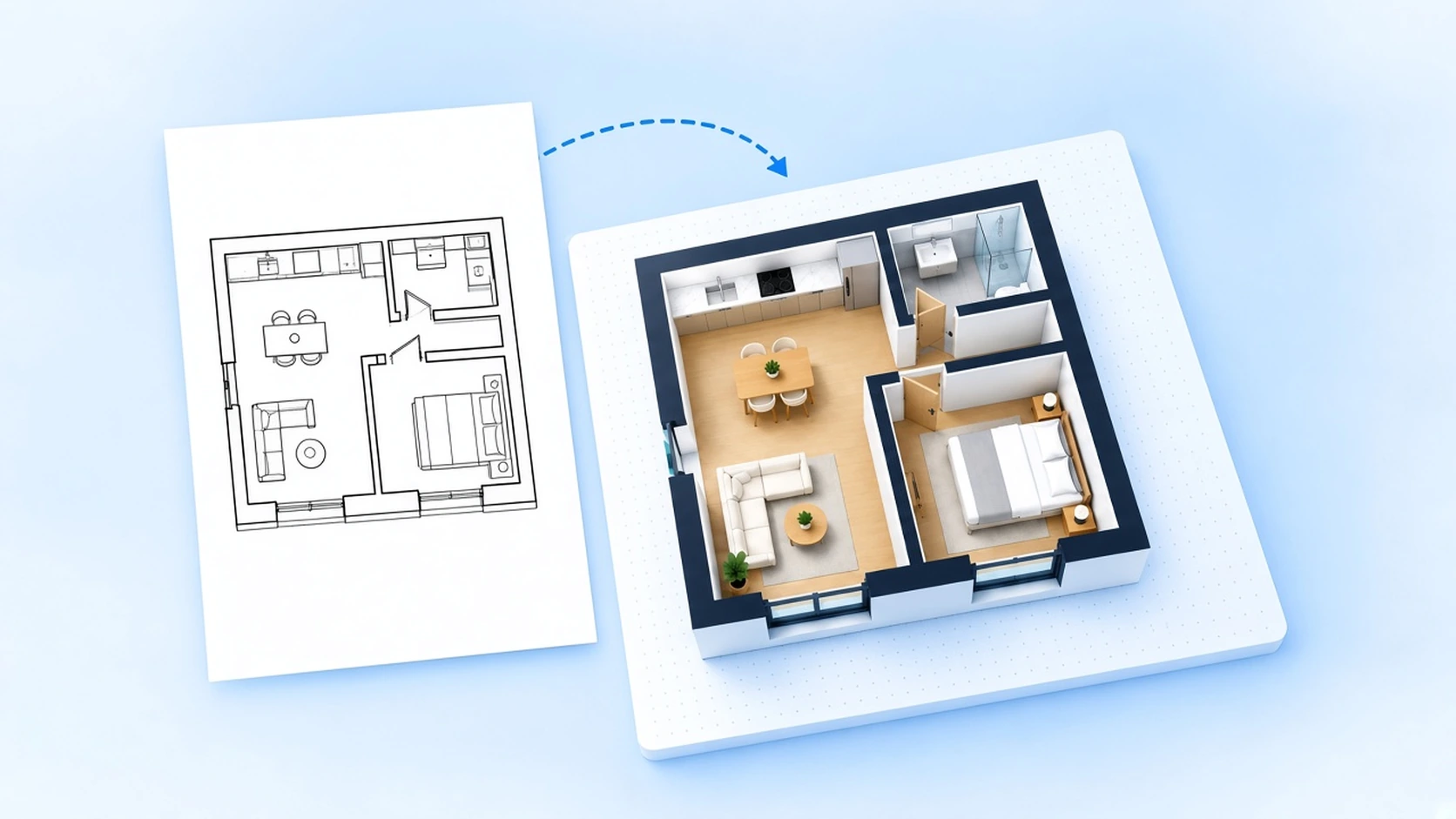
Pick Up from DXF or DWG
Already have a drawing? Import a supported DXF or DWG and keep moving walls, doors, and furniture without leaving the page. You refine what exists instead of rebuilding the whole plan from a blank grid. That import-and-edit path is a core reason teams reach for this floor plan designer when a file already exists and only parts of the layout need to change—doors, swings, or a single partition at a time.
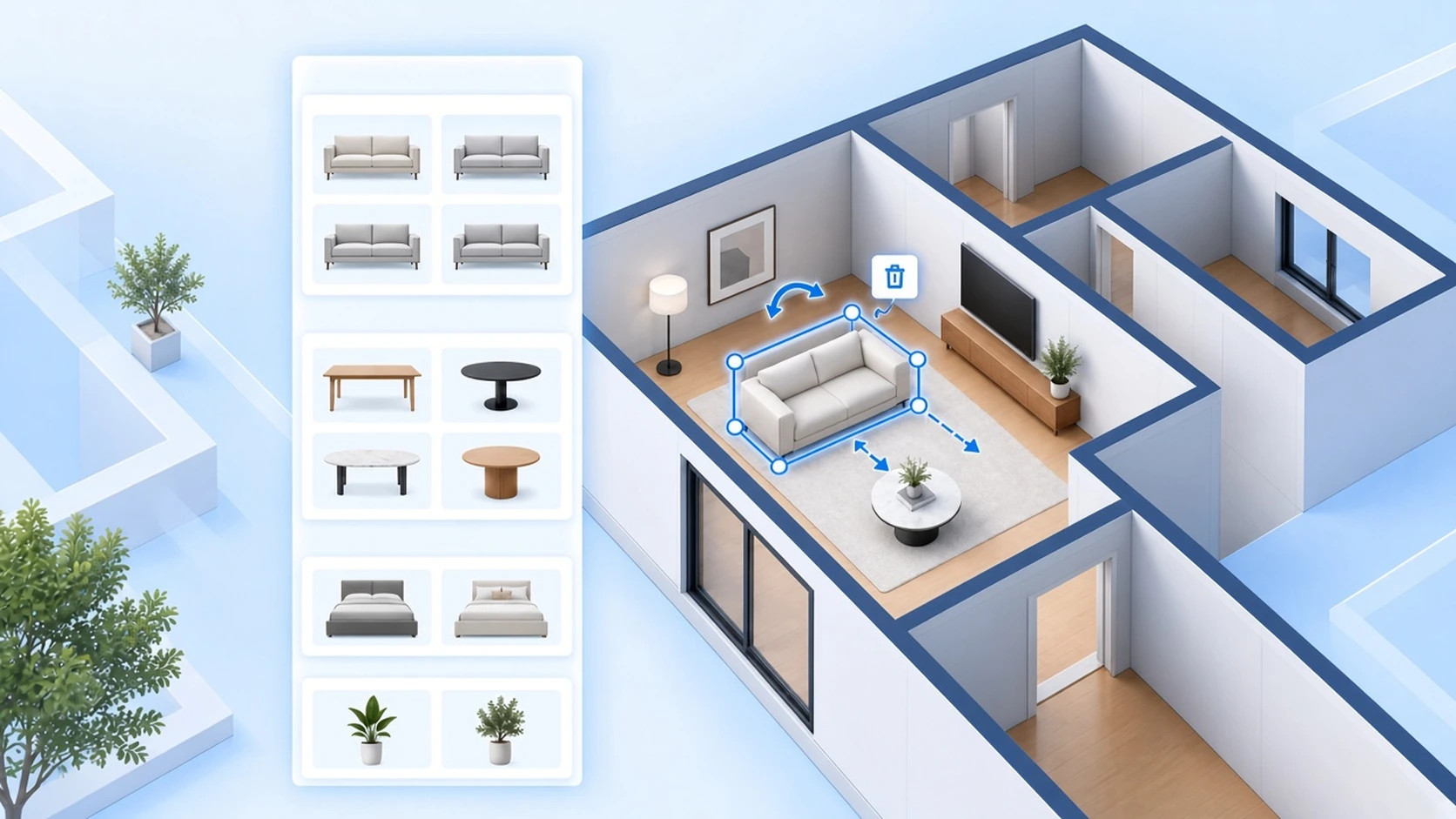
Library for Walls and Furniture
Structural pieces and furnishings live in categorized lists—walls, openings, furniture, and decor. Open what you need, place it on the canvas, then collapse the panel whenever you want more room to work. The library is built for repeated place-and-adjust cycles in the floor plan designer, not one-shot template fills, so you can furnish after the outline is honest.
Align with Grid and Snap
Grid gives you a visual reference while Snap helps walls and furniture line up as you place them. Zoom in for detail or use Fit to review the full plan before you export. Clean alignment is what makes a floor plan designer layout readable for reviews, listings, and contractor handoff—without desktop CAD training.
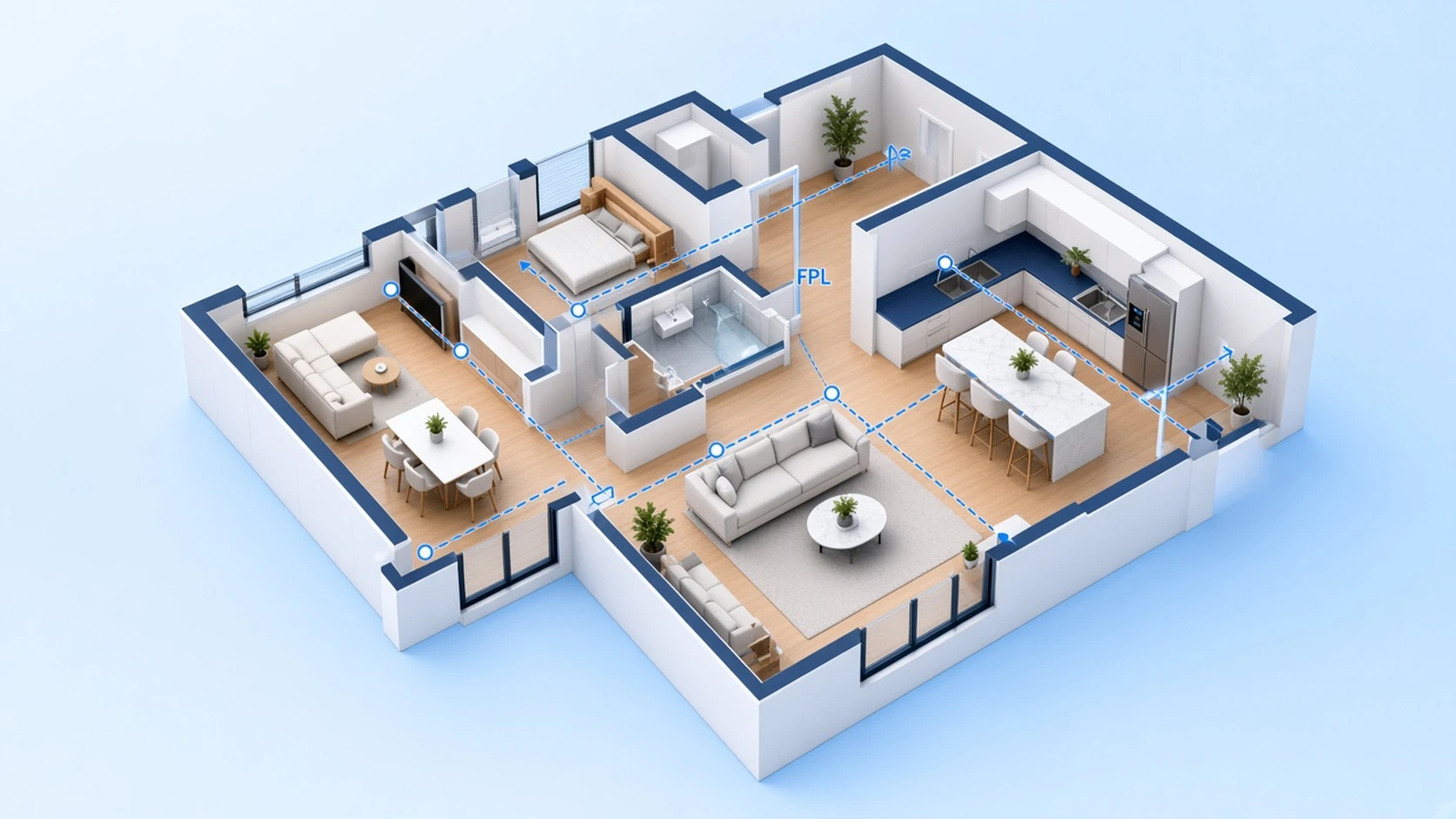
Export PNG or Editable DXF
Share a PNG quickly for reviews and listings, or take DXF into CAD when outlines need to travel further. Save the project so you can return and keep refining the same layout later. Exports keep your floor plan designer work useful beyond a single browser session and make handoff to the next tool straightforward.
Situations Where Blank-Canvas Design Wins
Reach for the floor plan designer when the starting point is your measurements or an existing file—not a gallery template.
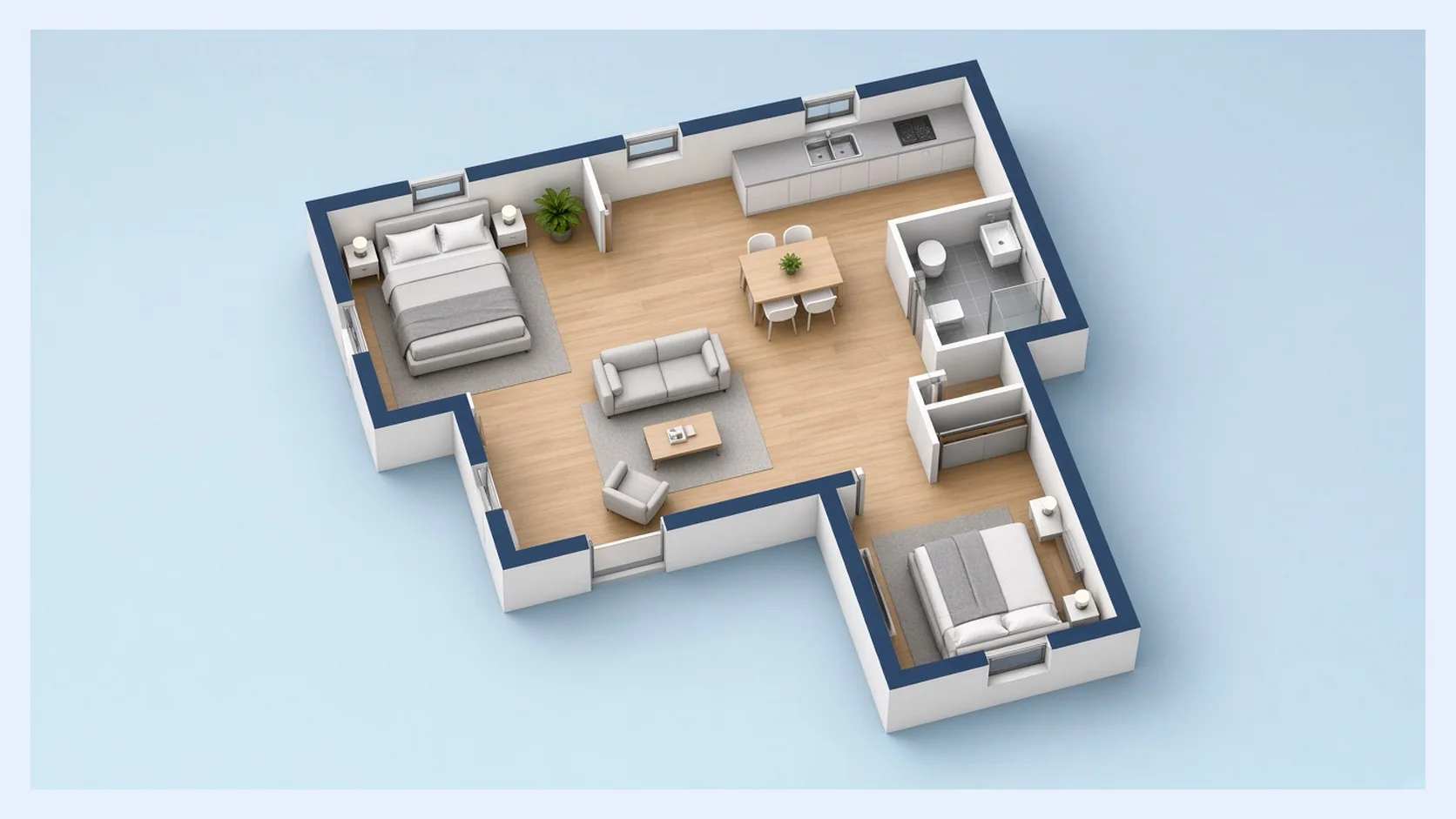
Odd-Shaped or Non-Standard Rooms
Draw walls to the real footprint when L-shapes, niches, or unusual openings do not match stock templates. Build the outline first in the floor plan designer, then place doors, windows, and furniture so the plan matches the space you actually have. Starting empty is often faster here than forcing a near-miss template and fighting its proportions for an hour.
Open Floor Plan Designer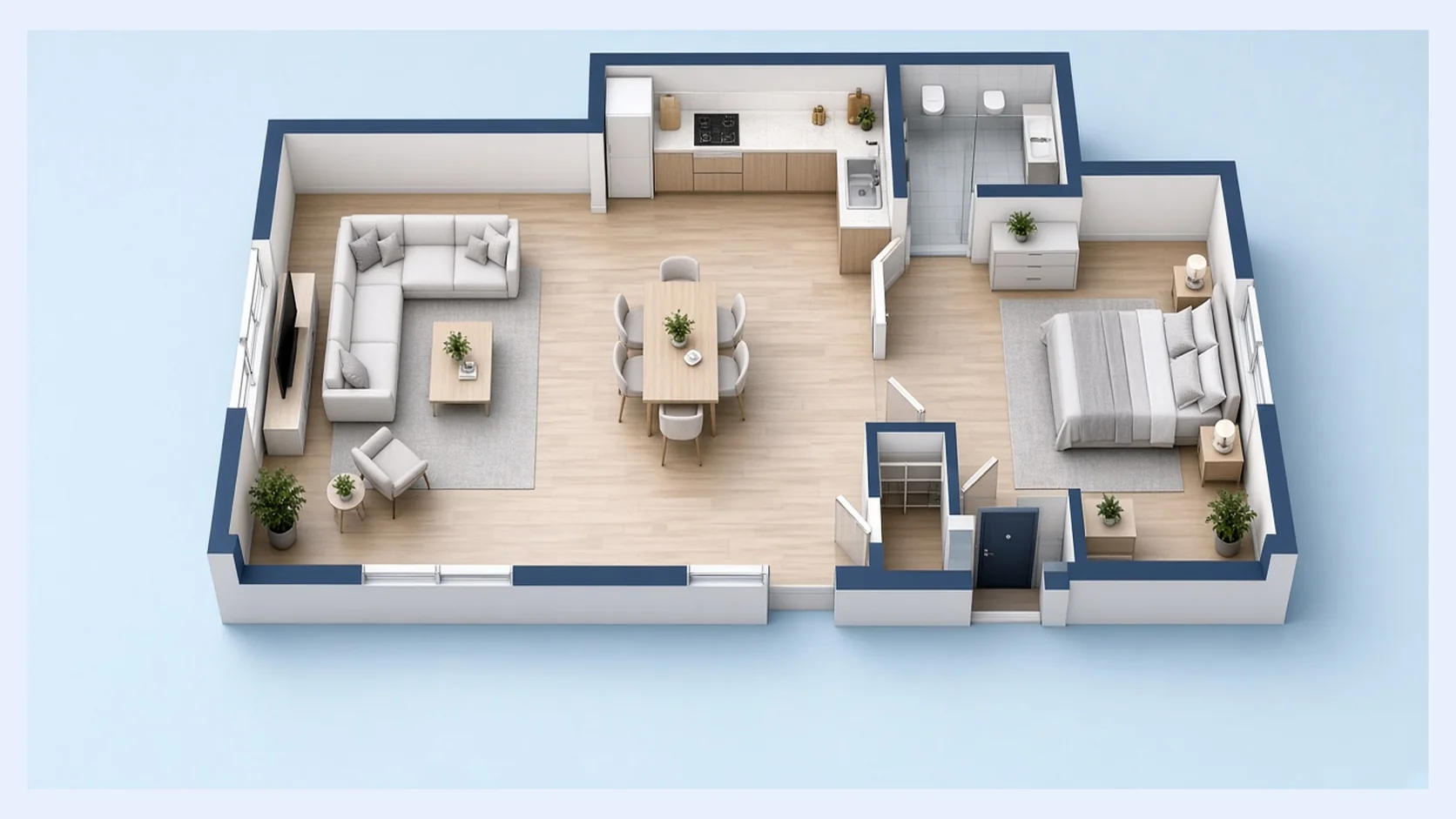
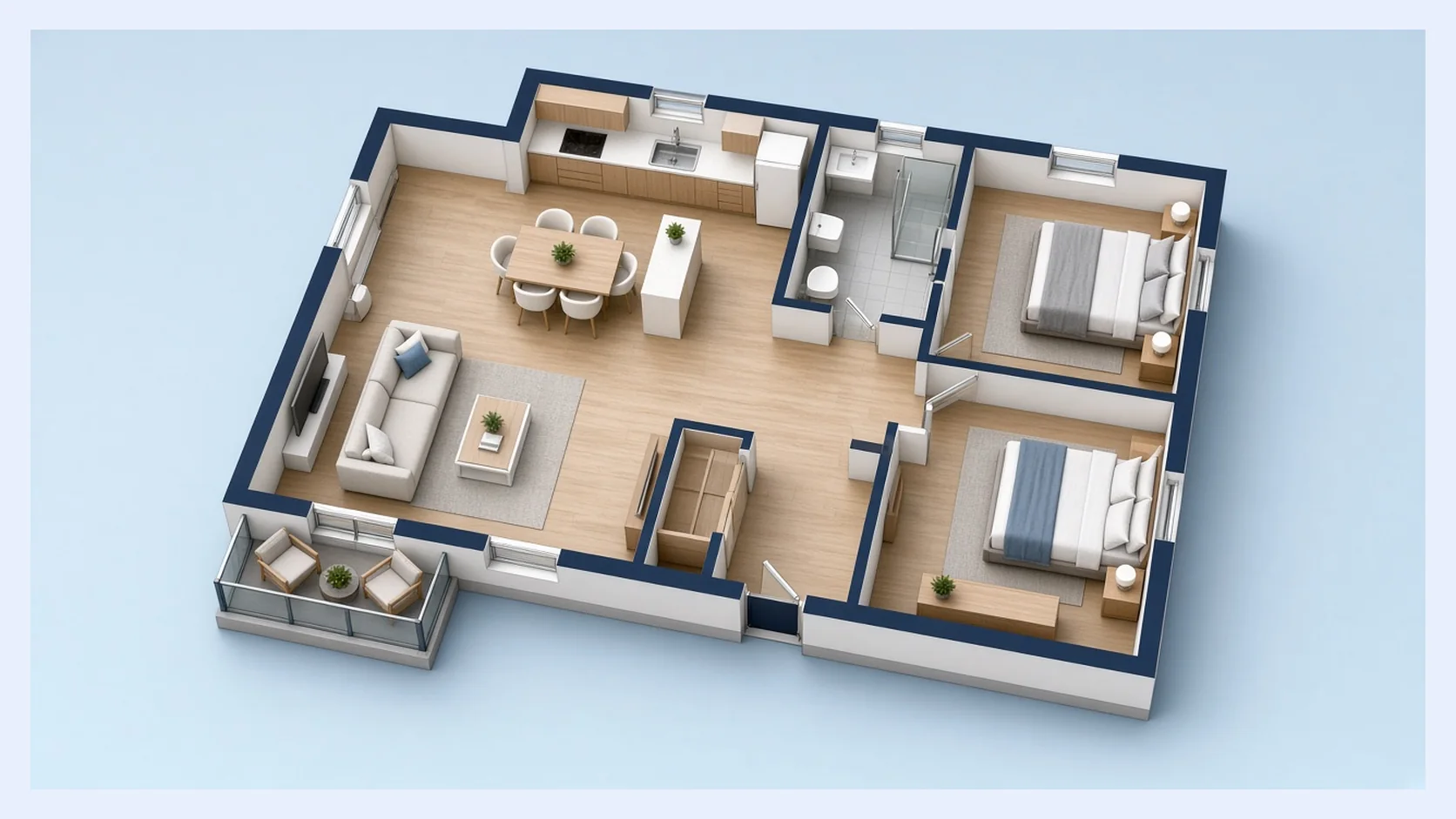
Floor Plan Designer FAQs
Blank canvas vs import, how this page differs from Creator, templates, exports, and how to start in the browser.
Start from a Blank Canvas
Prefer building walls yourself—or continuing from a file you already have? The floor plan designer puts a blank canvas, import, and room elements in one browser workspace.
Open Floor Plan Designer