Smart Floor Plan Generator
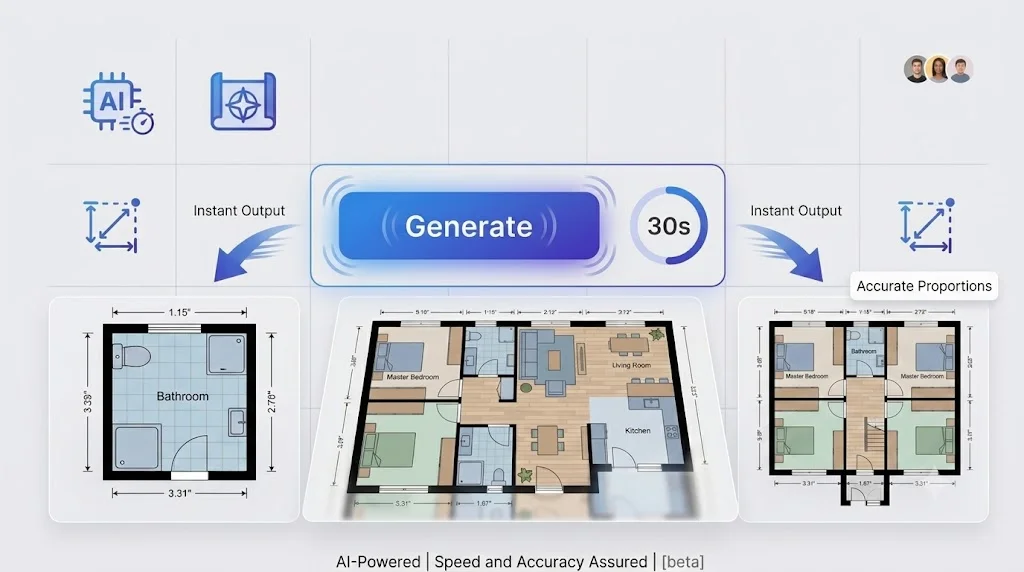
Tell the smart floor plan generator what you need. In under 30 seconds, you have a complete floor plan — dimensioned, styled, ready to use. 10 visual styles.
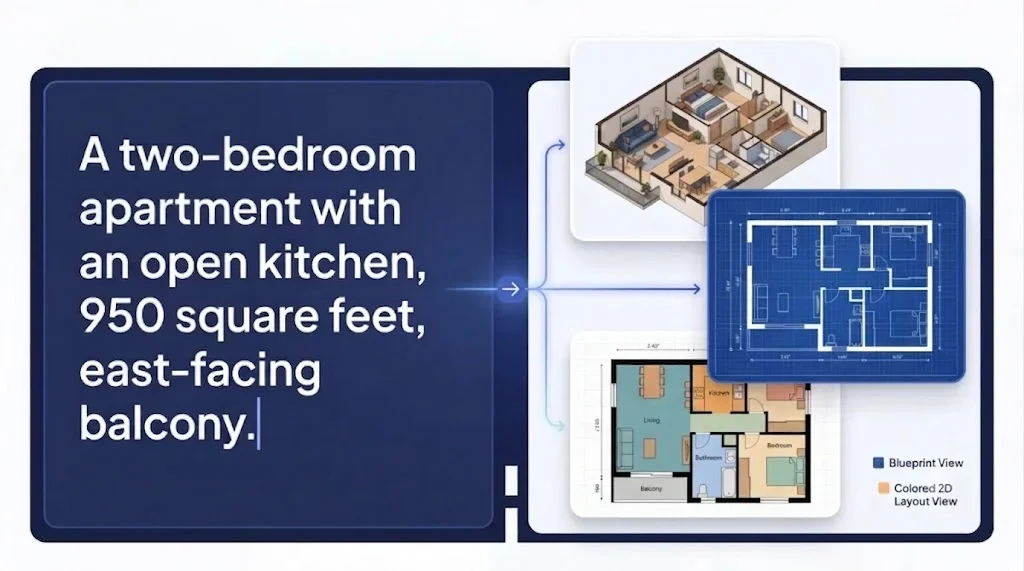
How to Generate a Floor Plan
This floor plan generator works the way you think. Describe your space in plain sentences, pick how you want it to look, and let the AI handle the rest.
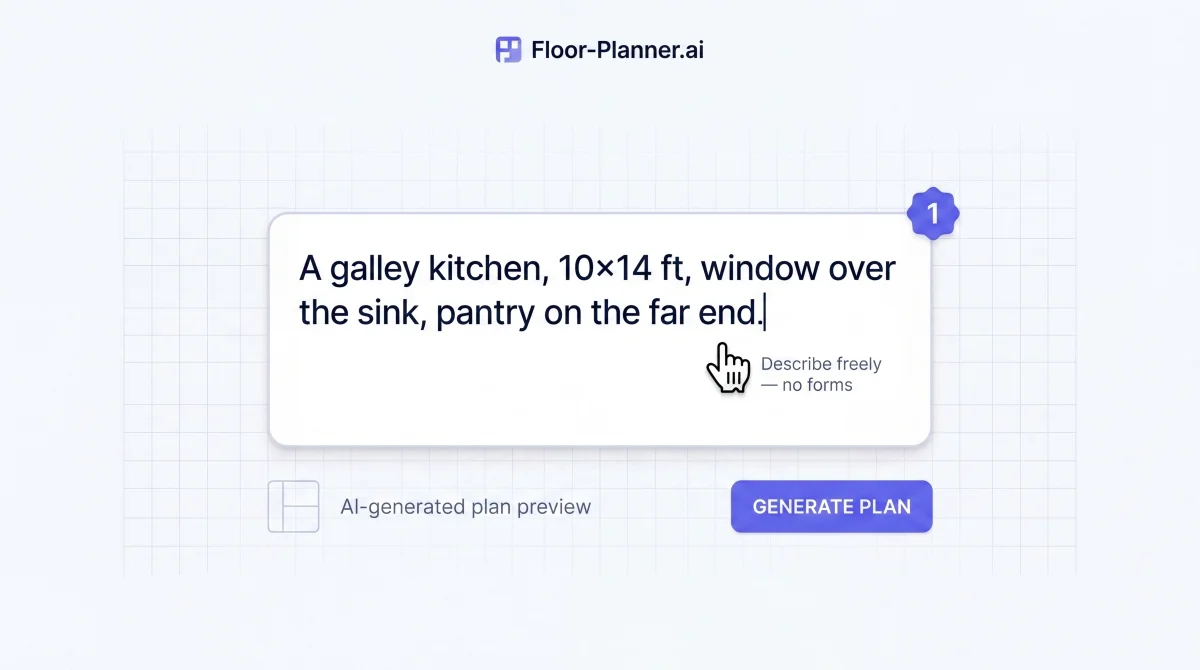
Step 1: Describe What You Want
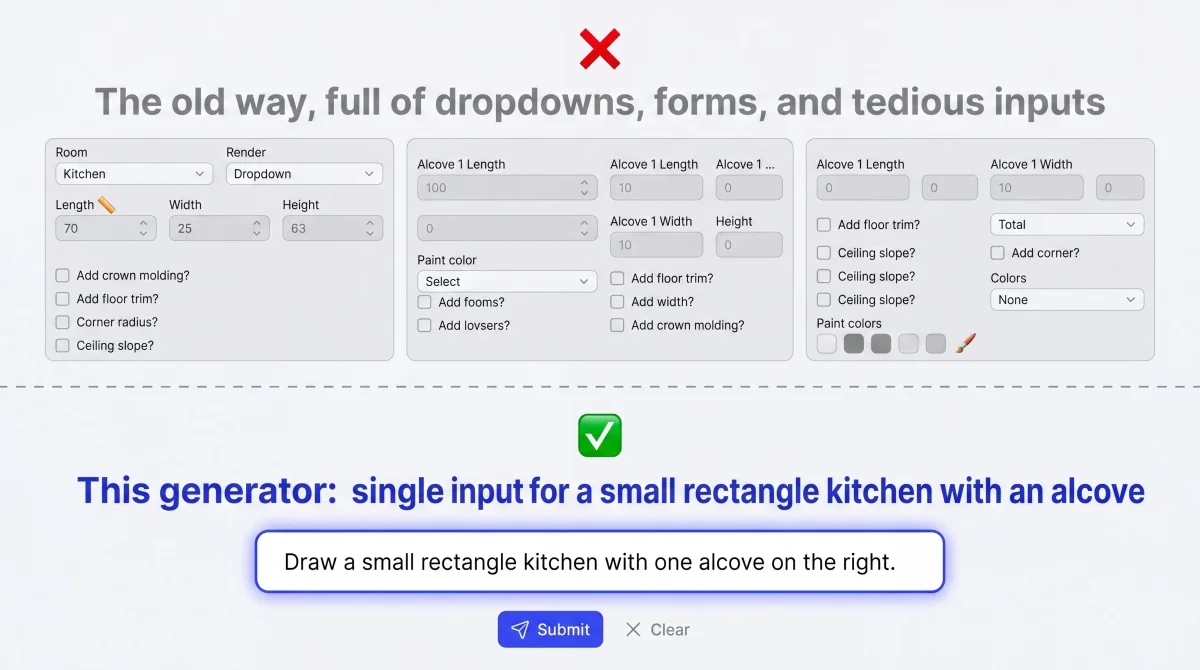
You don't fill in forms here. You don't click dropdowns. You just type — the way you'd describe your space to another person. The generator understands natural language. Room dimensions, layout preferences, special requests. The more specific you are, the more tailored the output. But even a short sentence gets you a usable starting point.
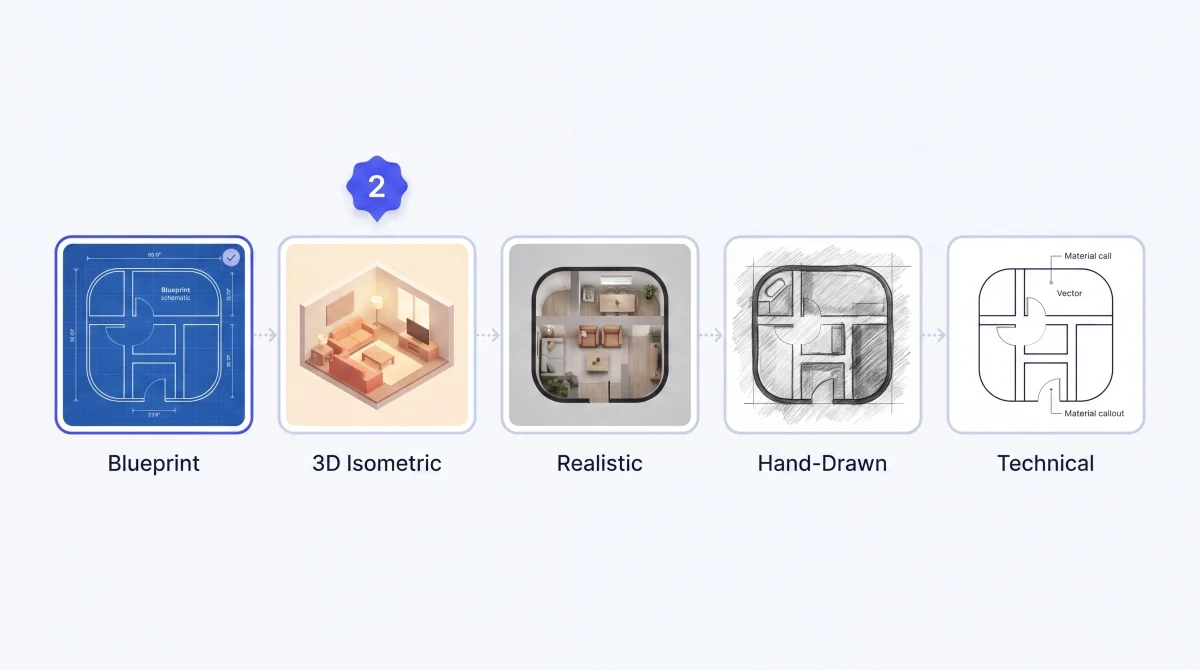
Step 2: Pick a Visual Output Style
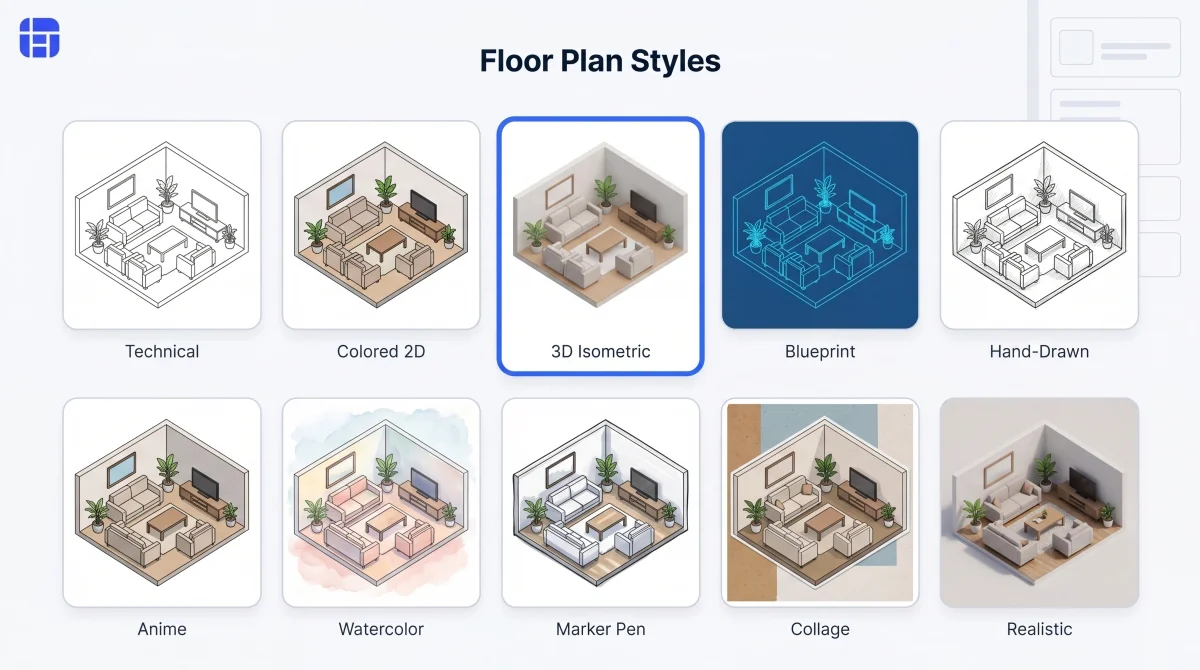
Select from 10 rendering styles that control how your generated floor plan looks. Realistic when you need photorealistic presentation quality. Hand-Drawn or Watercolor for concept decks and mood boards. Technical for dimension-focused architectural review. Switch the style and regenerate — same layout, entirely different look.
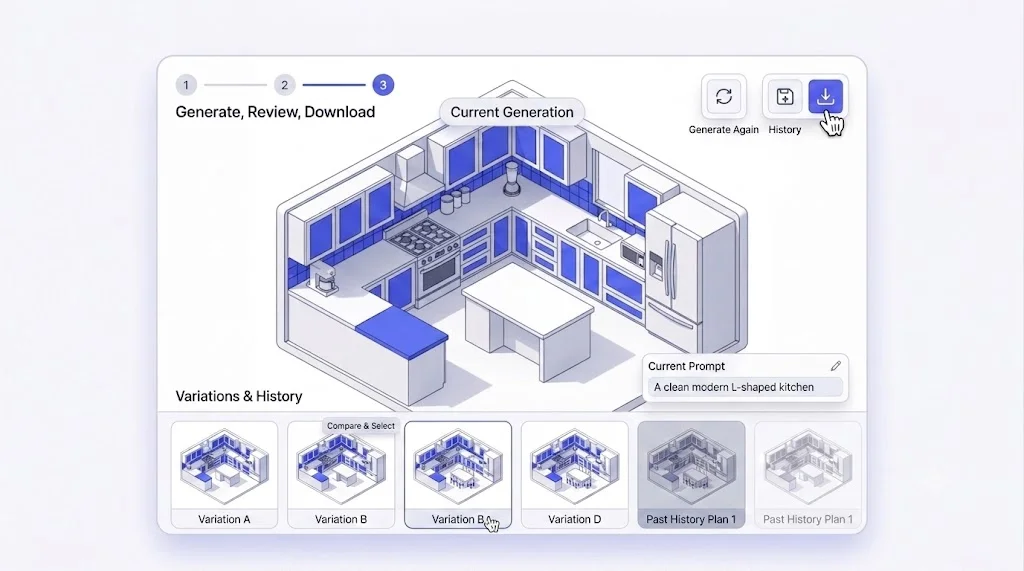
Step 3: Generate,Review,Download
Every generation is auto-saved to History so you can revisit, compare, or re-download anytime. Want a variation? Change one word in your description and generate again. To refine a selected area after generation, continue in the Floor Plan Creator.
Why This Floor Plan Generator Works Better
Other tools make you learn their system. This floor plan generator learns yours — from how you describe a space to what style you need the output in.
No Forms. No Dropdowns. Just Words.
Most generators force you through structured inputs. This floor plan generator skips all of that. Type your idea and the AI figures out the rest. Natural language is the interface. Need room counts, dimensions, and guided setup modes instead? Try our Floor Plan Maker.
One Prompt, Multiple Layout Possibilities
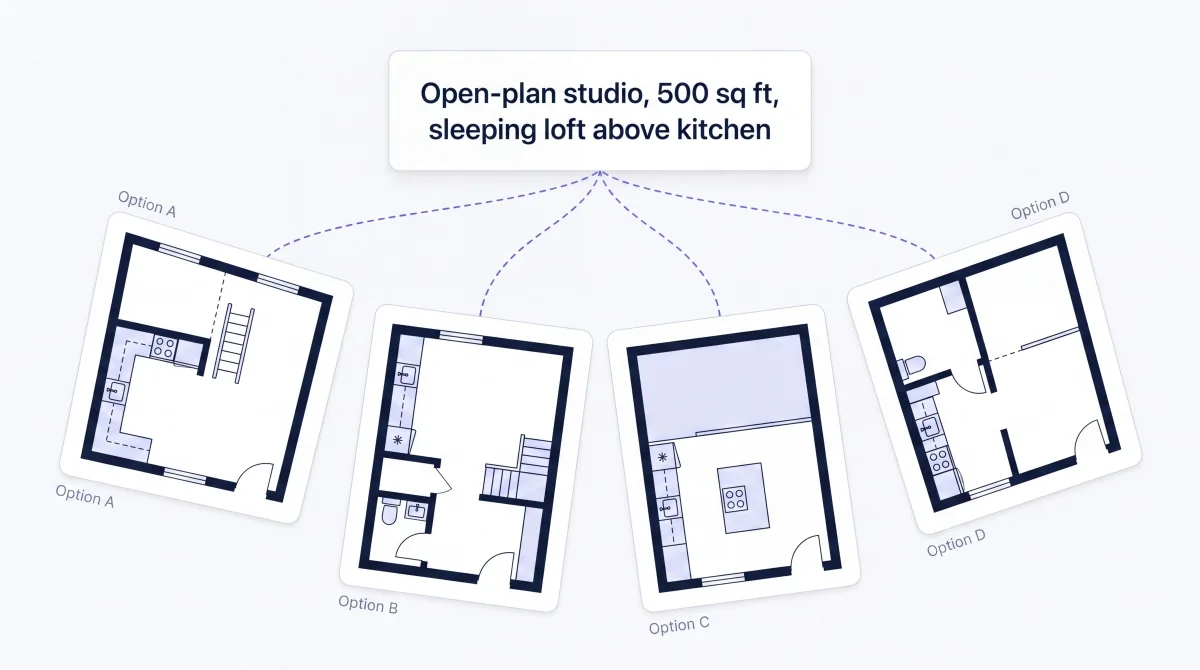
A single description can become three, five, or ten different floor plans. Describe your space once, and this floor plan generator produces multiple layout interpretations. Compare them side by side. Pick the one that clicks. Or use them all as a creative starting point.
From Text to Blueprint in Under 30 Seconds
The AI engine behind this generator has been optimized for speed without sacrificing spatial accuracy - rooms stay proportional, walls stay straight, doorways land where they should. Whether it's a single bathroom or a four-bedroom house with two floors, the generation time barely changes. Explore more planning workflows with Floor Planner.
10 Output Styles — Same Input, Infinite Looks
Your description doesn't change. But the output can look completely different each time. Switch between Blueprint, 3D Isometric, Realistic, Technical, Hand-Drawn, Watercolor, Marker Pen, Anime, Collage, and Colored 2D. One click to change the style. One click to regenerate.
Who Generates Floor Plans with This Tool
The generator serves people who need floor plans fast — not people who want to learn floor planning.
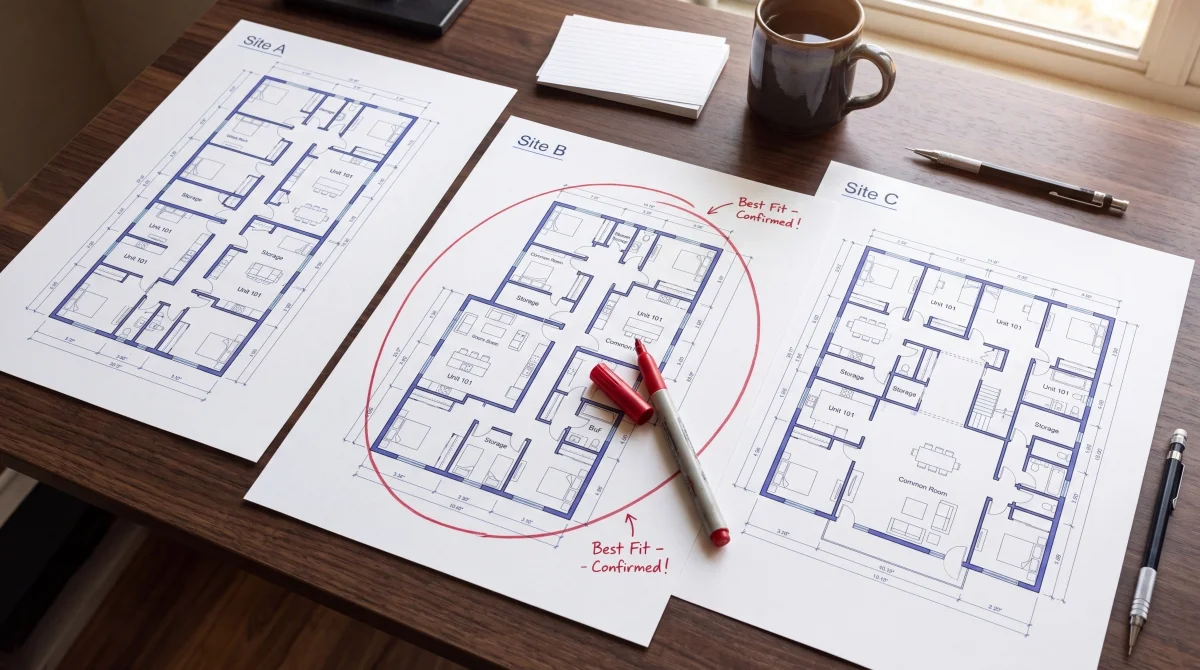
Property Developers — Evaluate Site Potential in Minutes
A developer is looking at three vacant lots. Which one fits a 6-unit apartment building with parking? They describe each site's constraints into this floor plan generator and within minutes have three preliminary floor plans to compare. No architect needed for the first pass.
Try Floor Plan Generator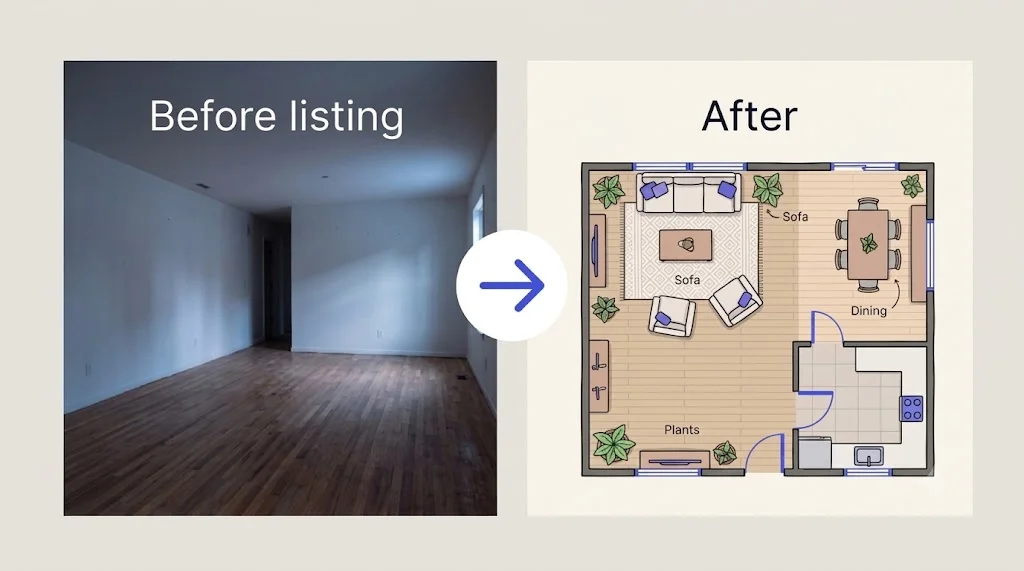
Home Stagers — Show Buyers What's Possible
An empty room is hard to sell. A staged photo costs thousands. A home stager opens this floor plan generator, describes the vacant living-dining area, picks Colored 2D style, and generates three furnished layout options in minutes — one with a sectional, one with two sofas, one with defined zones. The listing now includes a visual that helps buyers imagine living there.
Try Floor Plan Generator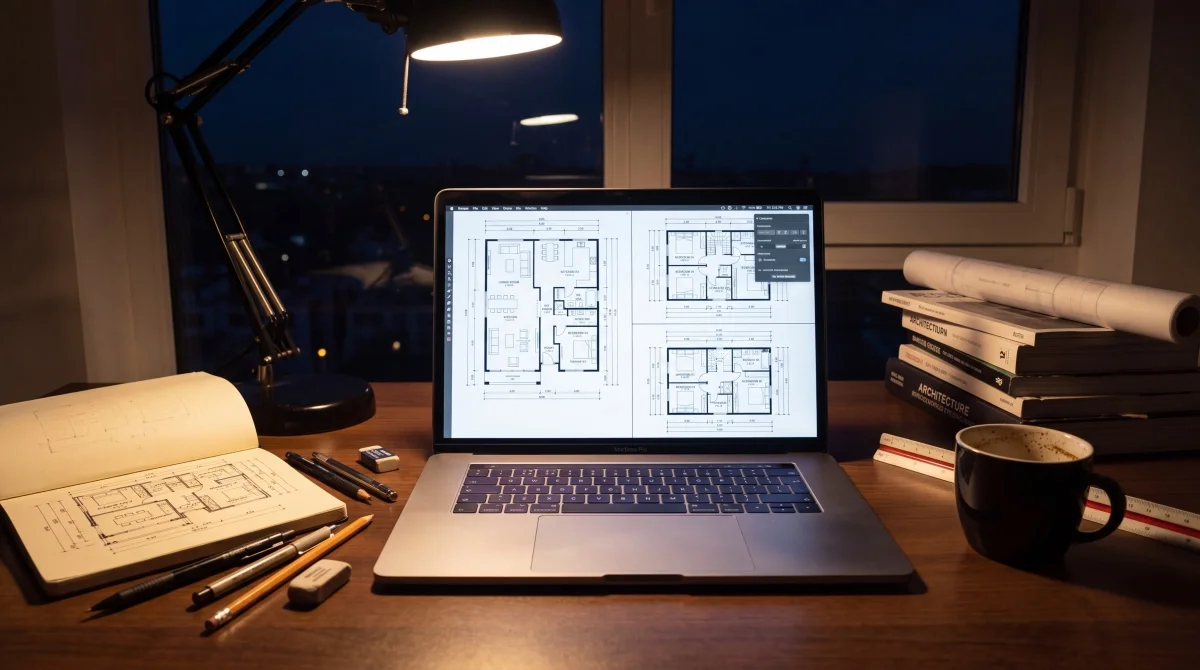
Students — Hit Deadlines with Instant Layout Concepts
An architecture student has a studio critique in six hours and zero floor plans ready. They open this floor plan generator, describe three project concepts in rapid succession, and generate a set of Technical-style layouts. The generator doesn't do the thinking. It removes the bottleneck between having an idea and having something pinned to the wall.
Try Floor Plan Generator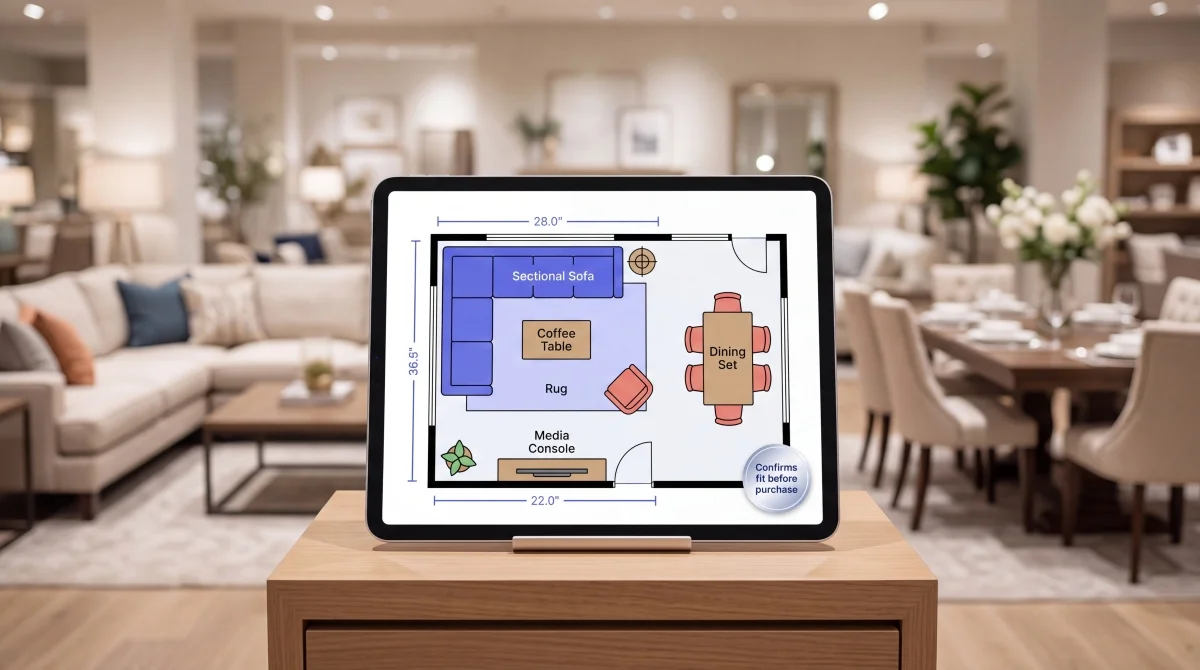
Furniture Retailers — Help Customers Visualize Placement
"Will this sectional fit in my living room?" A furniture retailer hears this question twenty times a day. Now they open this floor plan generator, type in the customer's room dimensions, generate a quick Colored 2D layout — visually confirming the fit before the customer orders. Fewer returns. More confident purchases.
Try Floor Plan GeneratorWhat People Say About This Floor Plan Generator

David Okonkwo
Property Developer
"I evaluate five to ten potential sites a month. Before this floor plan generator, I'd wait a week for preliminary layouts from my architect — now I generate them myself in minutes. I can rule out bad fits before spending a dollar on professional drawings. This generator has become my first-pass screening tool. My architect actually thanked me because the briefs I send now are so much clearer."





Floor Plan Generator FAQs
The most common questions about generating floor plans with AI.
The generator interprets your natural language description — room types, dimensions, spatial relationships, layout preferences — and composes a proportionally accurate floor plan using a specialized AI model trained on architectural layouts. It handles the spatial reasoning so you don't have to specify where every wall goes.
Yes. Describe a space once and the generator can produce multiple layout variations from the same prompt. You can also run different descriptions back to back — each generation is independent and auto-saved. Compare them side by side in your History tab to find the best fit.
The generator handles vague inputs surprisingly well. "A cozy two-bedroom cottage" produces a usable starting point. That said, the more detail you provide — dimensions, room relationships, special features — the more tailored and accurate the output. Think of it like briefing a designer: specifics get you closer to the vision.
Generated floor plans can be downloaded as high-resolution PNG images — ready for printing, sharing, embedding in presentations, or uploading to listings. All downloads are watermark-free.
The free tier lets you generate floor plans without a hard cap. Every plan you generate is saved to your browser History, so you can revisit, re-download, or delete as needed. No sign-up is required to start generating.
Be specific. Include dimensions when you know them ("12×15 feet"). Mention room relationships ("kitchen open to living room"). Note special constraints ("north-facing window above the sink"). The generator uses every detail you give it — more context means more tailored output. If the first result isn't quite right, tweak your description and regenerate.
Generate Your First Floor Plan Now — It's Free
Describe your space. Pick a style. Click Generate. In under 30 seconds, you have a professional floor plan — no sign-up, no credit card, no learning curve. This floor plan generator is ready when you are.