Step 1: Upload Your Image
Drag and drop your raster files directly into our online converter. Our processing engine fully supports high-resolution JPG to DXF, JPEG to DXF, and PNG to DXF workflows for fast and seamless vector generation.
Our free online image to dxf tool easily turns JPG, JPEG, and PNG files into editable CAD formats with high precision and zero software installation.
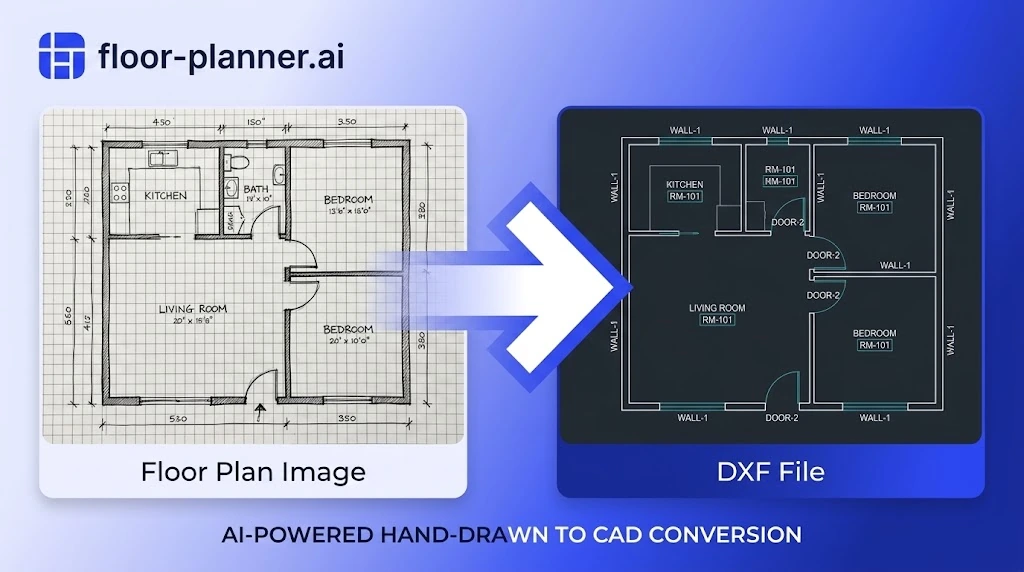
Designed for engineers, drafters, and CNC operators, our conversion engine provides automated vector tracing with precision control.
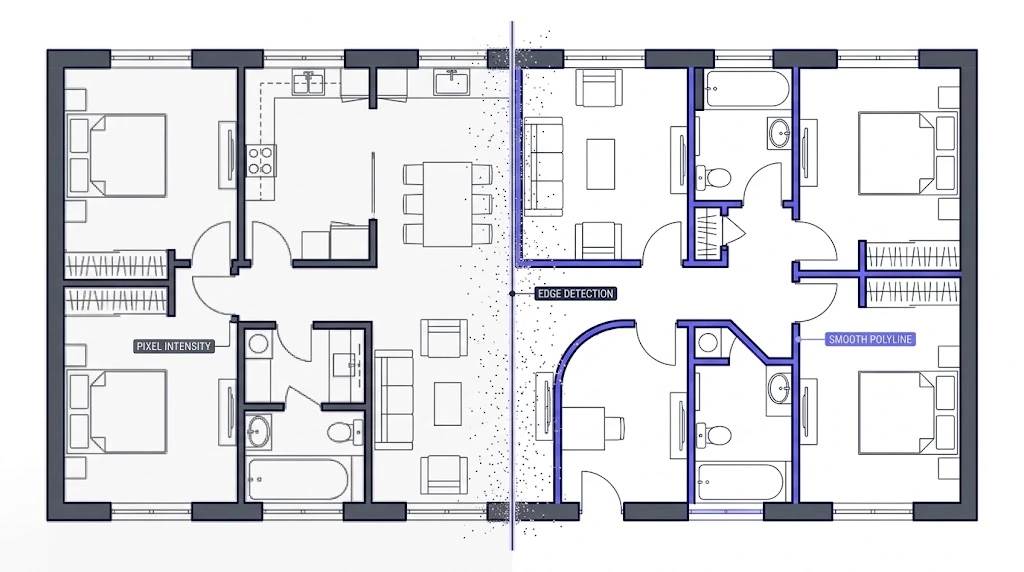
The conversion engine automatically scans pixel intensity and edge contrast to trace clean line paths. Instead of creating pixelated approximations, it outputs smooth polyline geometry ready for immediate manufacturing.
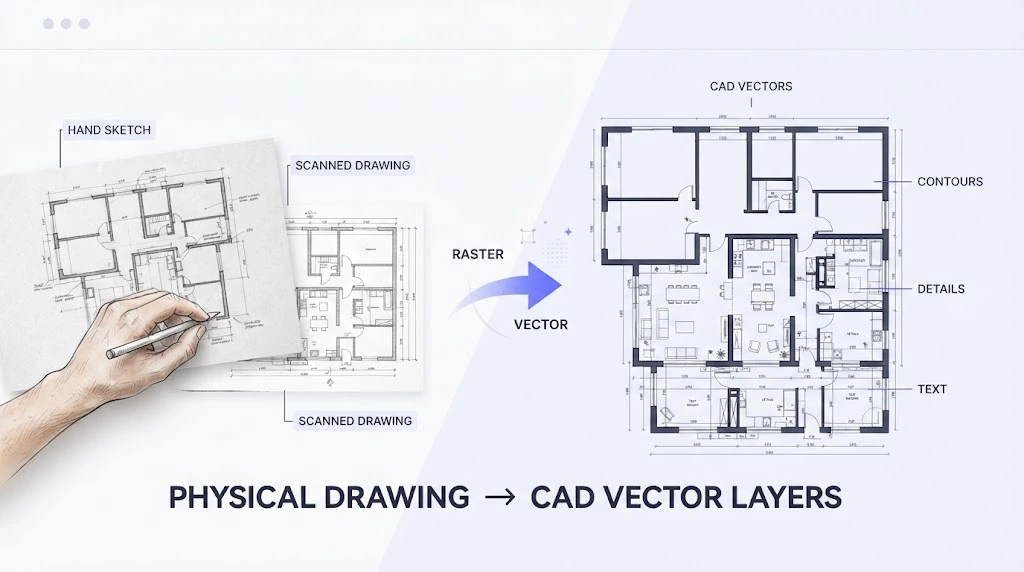
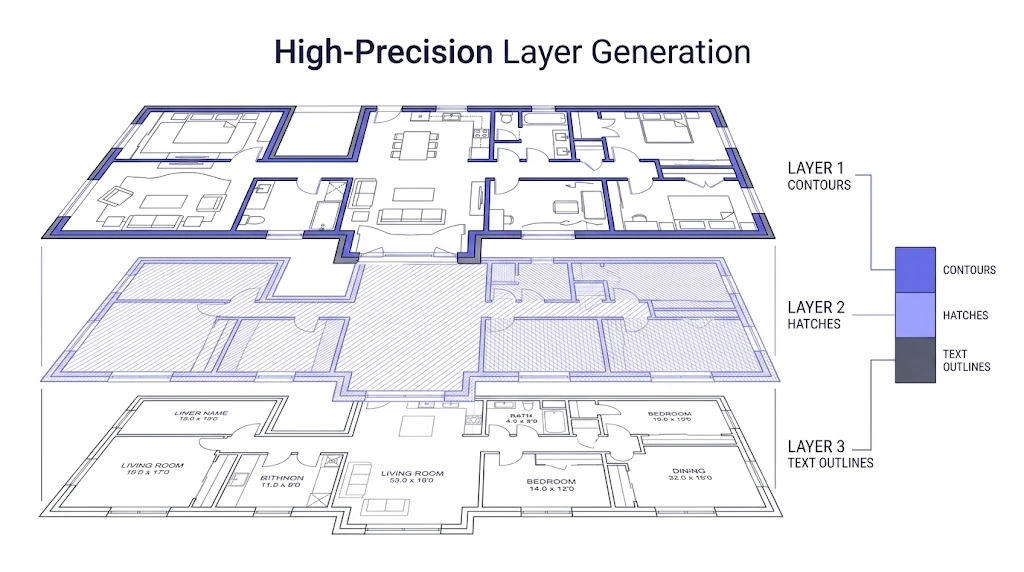
Preserve separate path geometries during vector processing. The system groups distinct elements like contours, hatches, and text outlines into organized vector layers compatible with major CAD platforms.
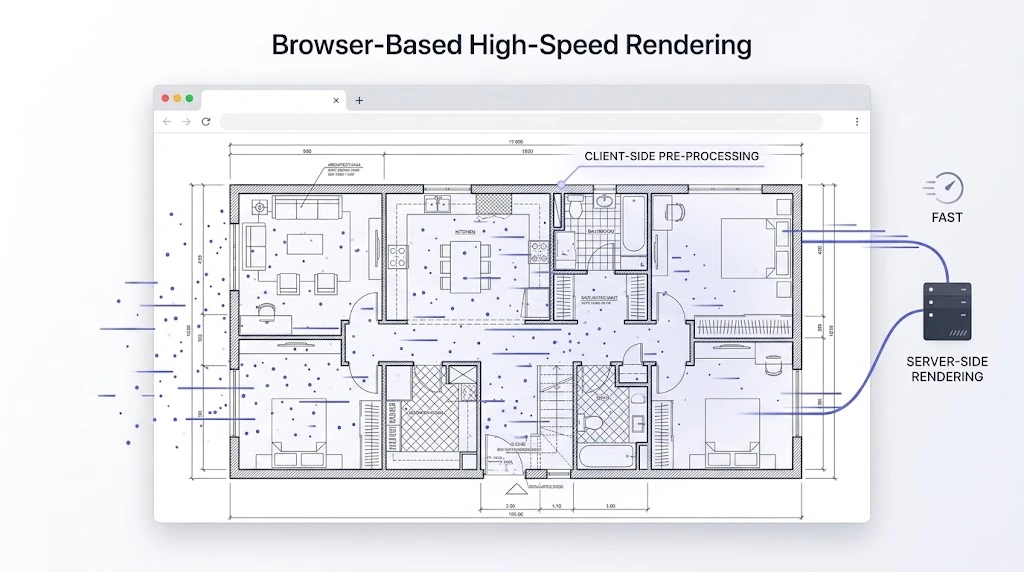
Process complex raster graphics directly inside your web browser. Enjoy instant client-side pre-processing and rapid server-side rendering for heavy graphics and high-resolution scans.
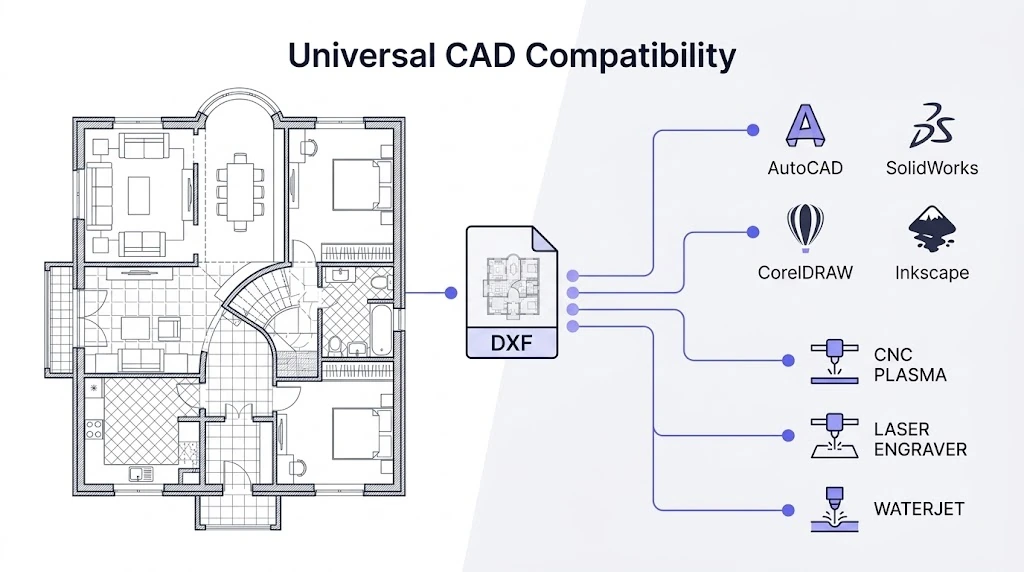
Output standard DXF files formatted for immediate use in AutoCAD, SolidWorks, CorelDRAW, Inkscape, as well as CNC plasma cutters, laser engravers, and waterjet software.
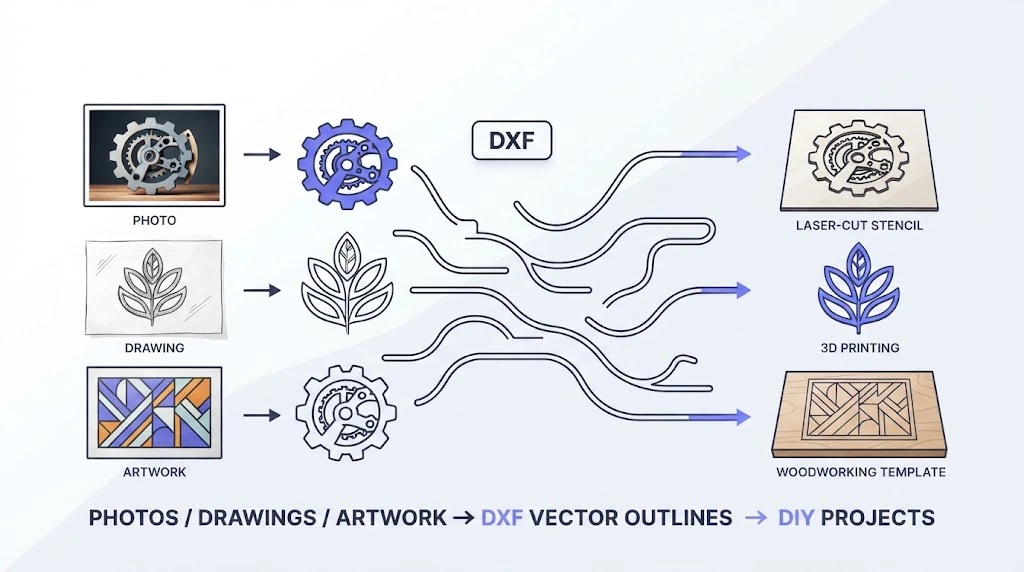
Follow four simple steps to perform an image to dxf conversion. Turn your raster graphics, photos, and sketches into clean CAD vector lines without installing complex desktop applications.
Drag and drop your raster files directly into our online converter. Our processing engine fully supports high-resolution JPG to DXF, JPEG to DXF, and PNG to DXF workflows for fast and seamless vector generation.
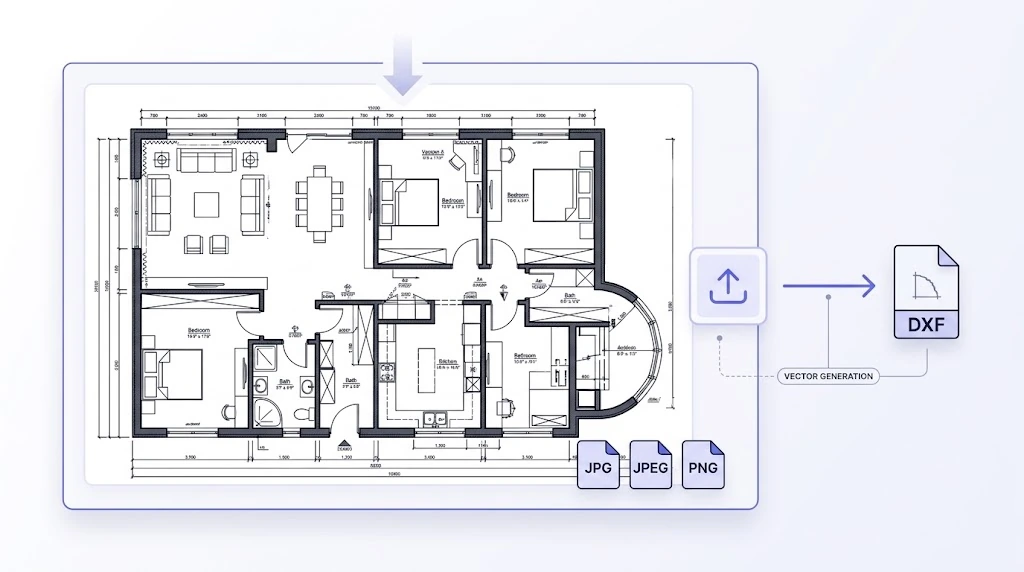
Drag and drop your raster files directly into our online converter. Our processing engine fully supports high-resolution JPG to DXF, JPEG to DXF, and PNG to DXF workflows for fast and seamless vector generation.
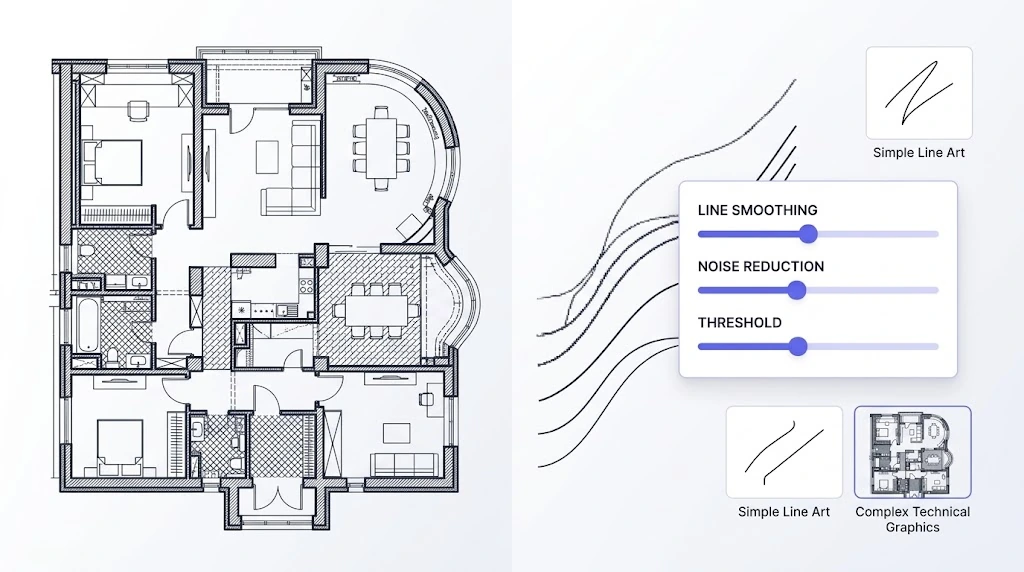
Customize vector conversion parameters based on your source image. Adjust line smoothing, noise reduction, and threshold levels to optimize paths for both simple line art and complex technical graphics.
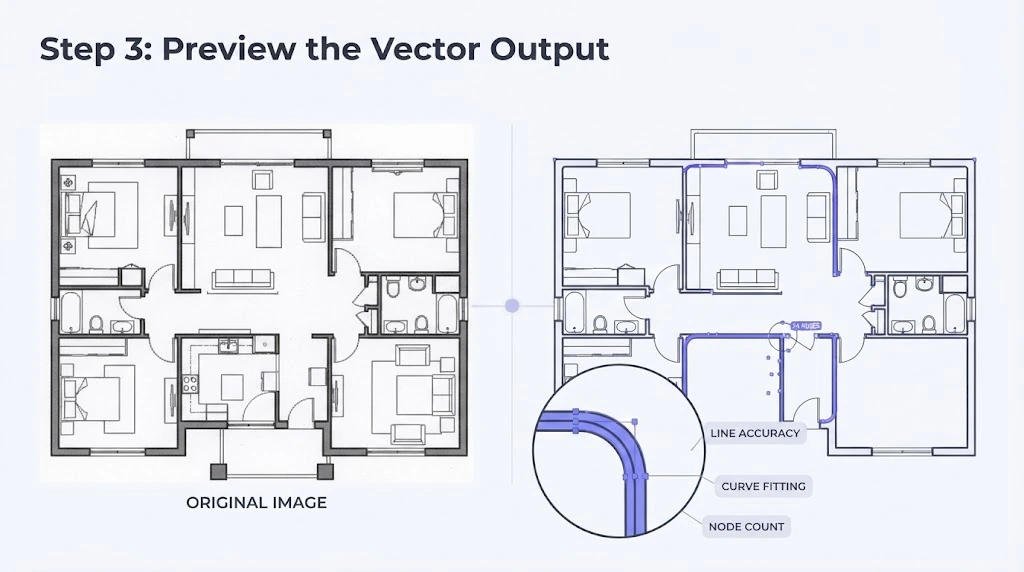
Inspect the generated CAD vector paths side-by-side with your original image. Verify line accuracy, curve fitting, and node counts to ensure high-quality vector geometry. For source cleanup before vectorization, prepare the image in the Floor Plan Editor.
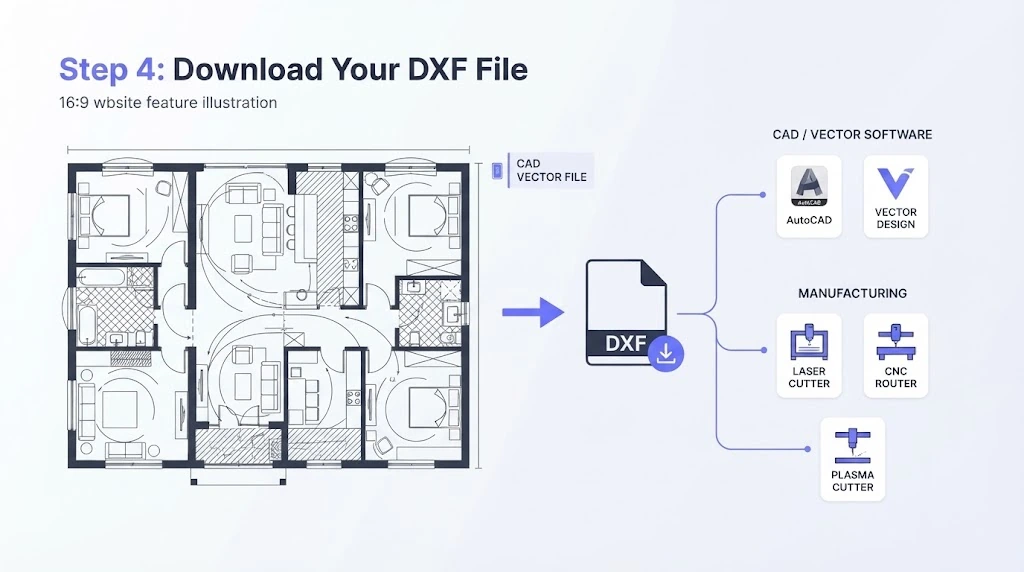
Click download to export your new CAD vector file. The generated output is fully compatible with AutoCAD, laser cutters, CNC routers, plasma cutters, and standard vector design software.
Learn how our platform handles various raster image types to produce clean vector line work tailored to your specific application.
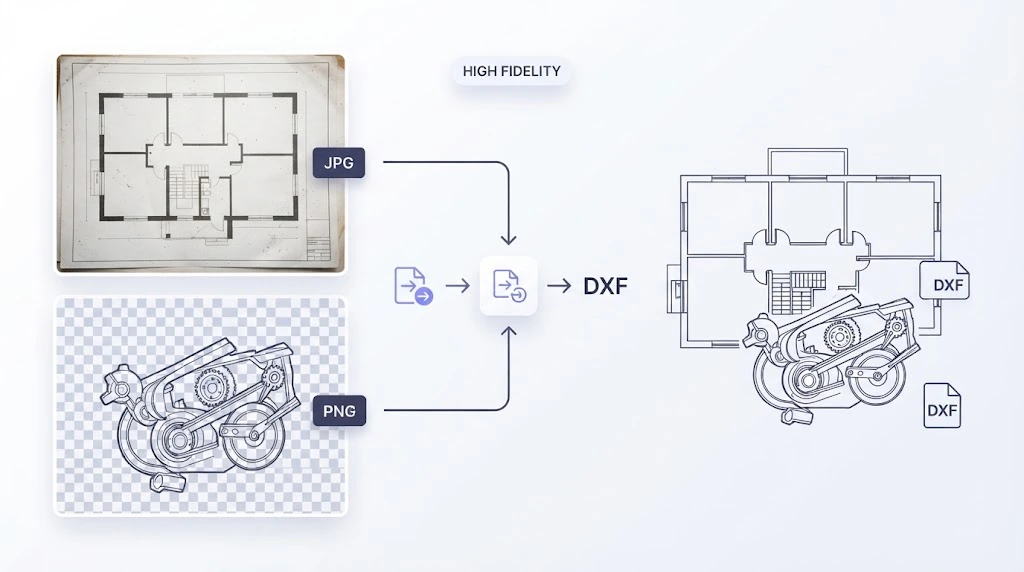
Perform fast jpg to dxf conversions for compressed photos, scanned blueprints, and digital camera captures. Our smart algorithm removes compression artifacts and noise before tracing vector lines, ensuring smooth polylines for physical fabrication.
Our specialized jpeg to dxf tool processes lossy image files efficiently. By applying intelligent contrast enhancement, it recovers sharp edges from blurred line drawings and transforms them into editable CAD geometries.
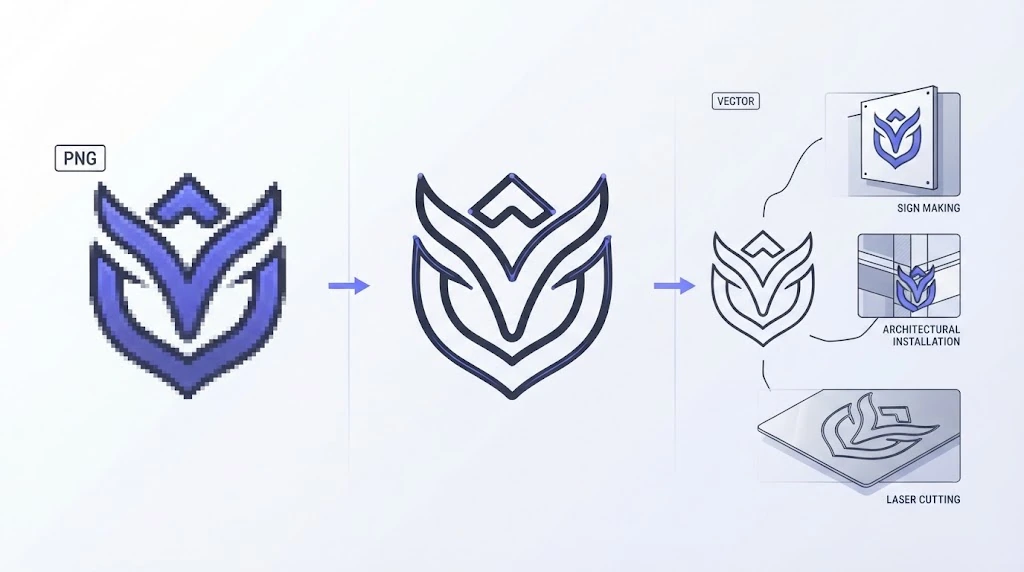
Take advantage of transparent backgrounds with our png to dxf processing mode. Ideal for digital logos, isolated illustrations, and line art, this feature isolates graphics from background clutter to generate pure vector paths.
Ensure maximum compatibility with all CAD and design software. Our engine unifies vector path density and node structures, delivering clean DXF files that open seamlessly across popular industry applications.
Most raster-to-vector tools produce messy lines or charge high software fees. Our specialized image to dxf platform delivers precise vector paths tailored for professional production.
Our advanced conversion algorithm analyzes pixel structures to produce continuous CAD vectors rather than broken line fragments. Experience automated image to dxf transformation optimized for laser engraving, CNC routing, and industrial drafting.
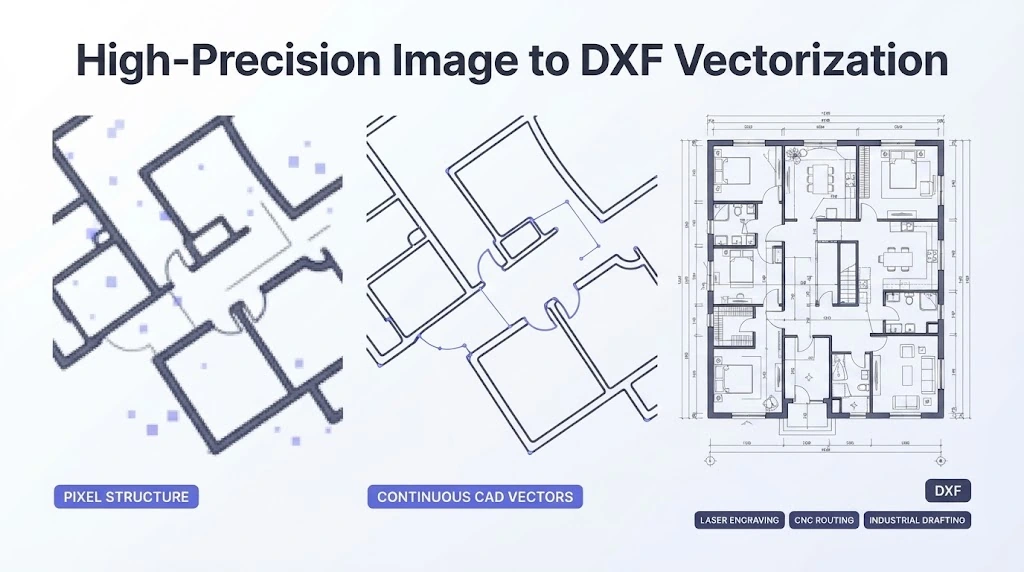
Whether you need a quick jpg to dxf conversion for scanned blueprints or a png to dxf export for transparent graphics, our system processes every raster format with high fidelity.
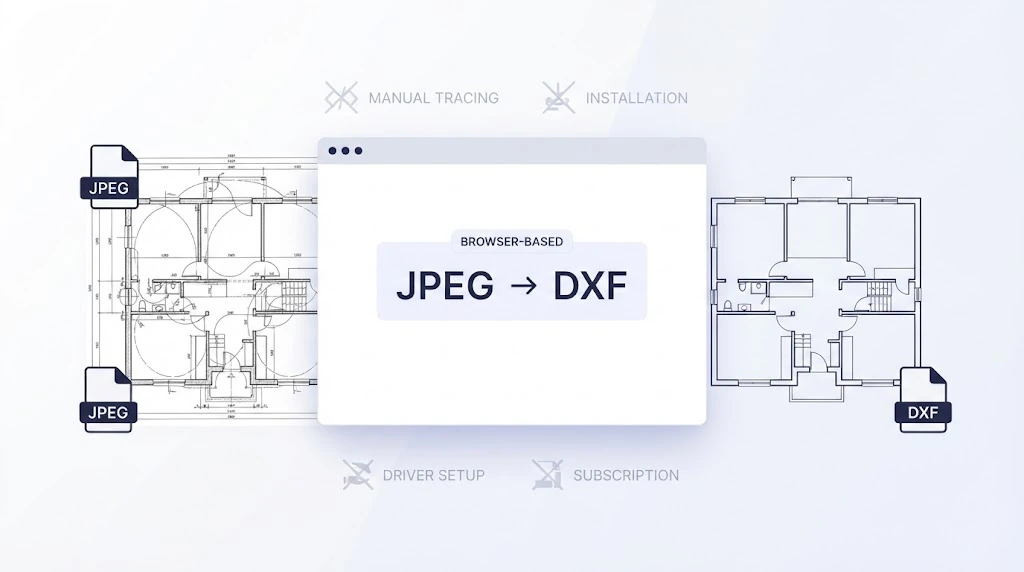
Execute instant jpeg to dxf tasks directly inside your web browser. Skip tedious CAD manual tracing, software installations, driver setups, or expensive subscription plans.
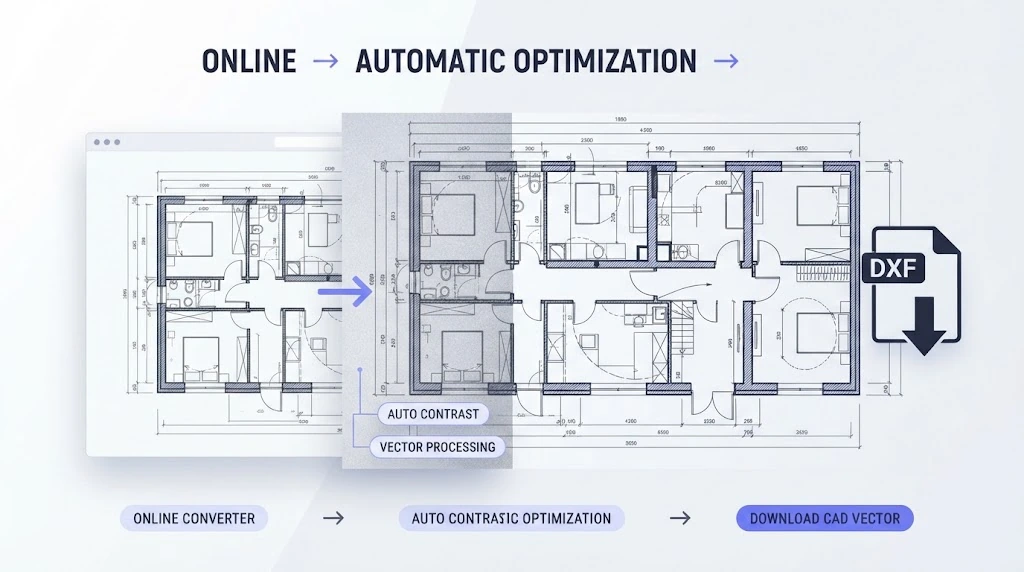
Complete your vector conversion tasks on demand. Enjoy fast browser-based processing, automatic contrast optimization, and instant access to downloadable CAD vector outputs anytime.
Understanding the structural difference between pixel graphics and CAD vector geometry helps highlight why vector conversion is essential for manufacturing.
Raster images (JPG, JPEG, PNG) rely on fixed pixel grids that lose clarity when enlarged. In contrast, DXF files use mathematical vectors that scale infinitely without loss of resolution or geometric fidelity.
Cutting machinery cannot process raw pixels. Machines require continuous line coordinates and vector paths. Converting raster images into DXF vectors provides exact toolpaths for CNC routers, laser cutters, and plasma beds.
Pixel graphics cannot be easily edited inside CAD environments. Exporting graphics into DXF files converts static pixels into editable lines, arcs, and polylines that drafters can manipulate inside AutoCAD or SolidWorks. For native AutoCAD project files with richer drafting metadata, use the Image to DWG Converter.
Discover how makers, engineers, and designers streamline their daily vector workflows with fast image to dxf processing.
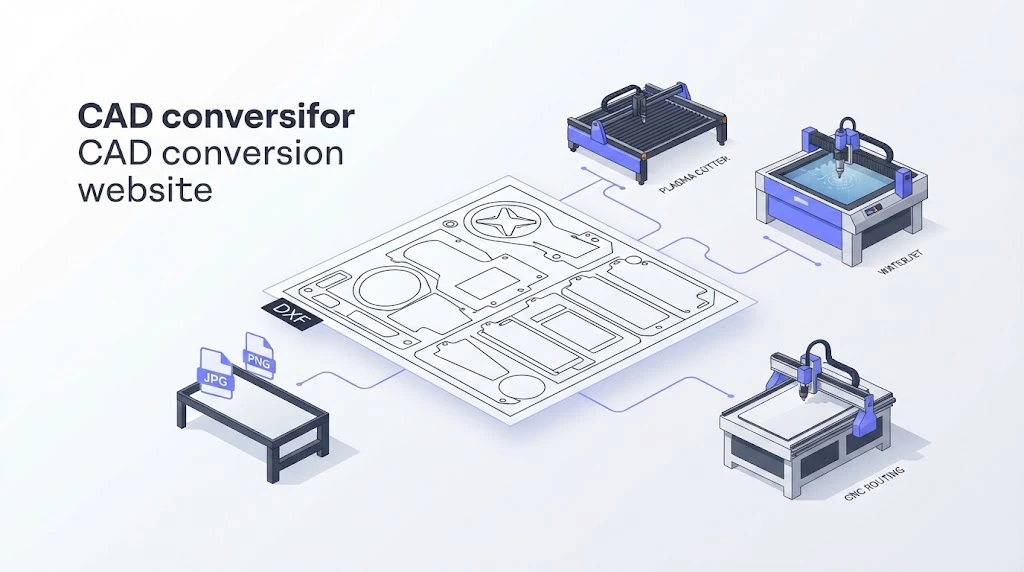
Workshop operators regularly rely on jpg to dxf and png to dxf tools to generate clean vector paths for plasma cutters, waterjets, and CNC routing equipment.
Read real feedback from professionals who rely on our online vector converter daily.

Finding a reliable png to dxf converter was difficult until I found this platform. It handles transparent graphic layers effortlessly and produces clean vector paths for rapid prototyping.

Converting scanned site sketches via jpeg to dxf used to be tedious. Now I simply upload my photos and download structured CAD lines within seconds. It has completely transformed my workflow.

The image to dxf workflow is incredibly intuitive! I turned my hand-drawn line illustration into a laser-cut stencil in less than two minutes without touching complicated software.

I routinely convert customer JPEG graphic ideas into DXF files for my CNC router. The line accuracy is outstanding, and the browser interface is fast and completely hassle-free.

Running client logos through the png to dxf tool gives us clean vector curves every time. It is easily the most reliable online vectorizer we have added to our shop workflow.

Get quick answers to common questions regarding raster image to CAD vector conversions.
Experience high-precision CAD vectorization online. Instant support for JPG, JPEG, and PNG files. Convert your graphics into production-ready DXF drawings for free!
Convert Image to DXF Now